
POS Systems / Clover

Your busiest shifts deserve a Clover setup that actually keeps up

Stop forcing high-volume checkout through the wrong terminal. Qualified merchants can get free Clover POS system placement at no upfront equipment cost when processing with Omega. We help you choose the right Clover device for your floor, launch fast, and stay supported after go-live.

  • Get Clover hardware placed at $0 upfront for qualified merchants when you process with Omega
  • No hard credit pull to get started — pre-approval does not affect personal credit
  • Month-to-month processing with no long-term lock-in

Prefer to talk it through? (866) 663-4204

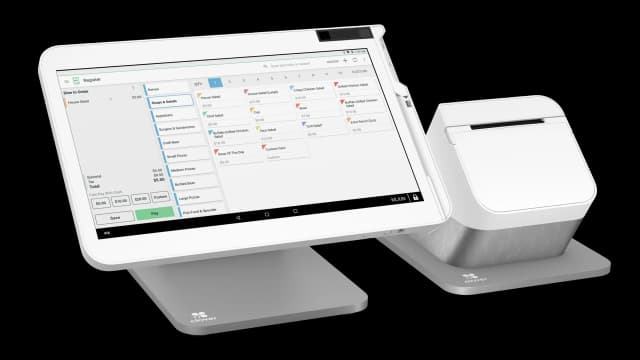
When the line stacks, Clover keeps moving

Watch orders, modifiers, and payments fly on a real full-service line. If your Friday night feels anything like this, you want hardware and a processor that keep up when volume spikes.

Real Clover expertise, on your floor when it fits

Our team provides on-site training and installs when geography and the project call for it. Nationwide, many merchants still work with the same consultants through live guided setup, shipping coordination, and a direct line. Either way, you are not stuck with a nameless queue reading from a script.

Omega agent providing hands-on support with Clover Station behind the bar; touching the screen with taps and glassware in the background
Omega agent, hands-on Clover support behind the bar
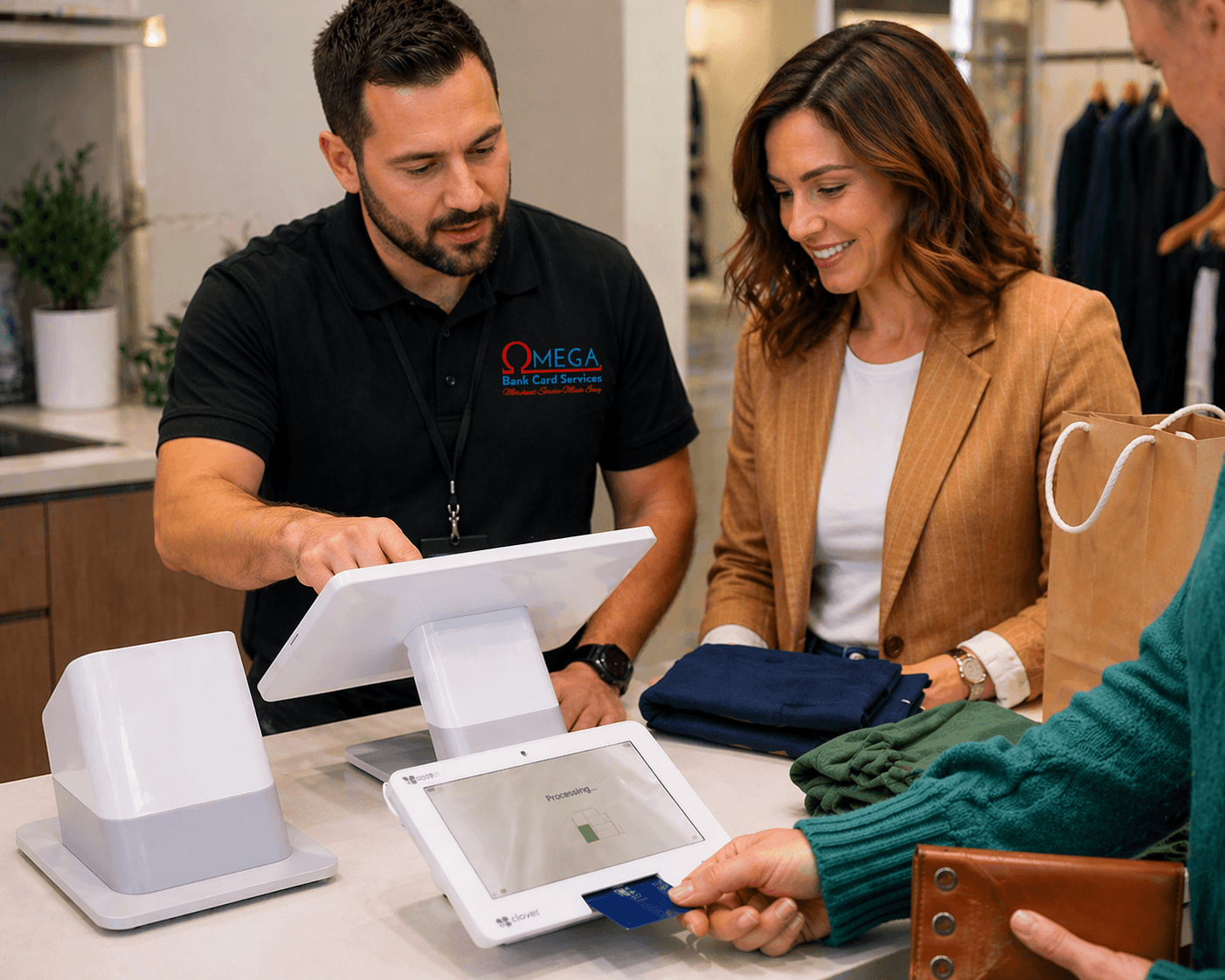
Omega agent in Omega Bank Card Services apparel assisting a customer at retail checkout with Clover POS; card processing on the customer-facing terminal
Omega agent, hands-on Clover support at the counter

Pick the device your staff will actually want to use

Start with the fit below, then open any device to explore the story in depth — fit, payment features, and how Omega helps you deploy without guessing on the wrong box.

Clover Station Solo

At a glance

Big-screen command center with printer and drawer built in, built for busy bars, dining rooms, and single-lane counters.

Often strongest for

  • Bars & taprooms
  • Full-service restaurants
  • Nightlife & clubs
  • Casual dining
  • Busy single-screen counters

Go deeper on the next page — how it fits, what it does, and hardware details
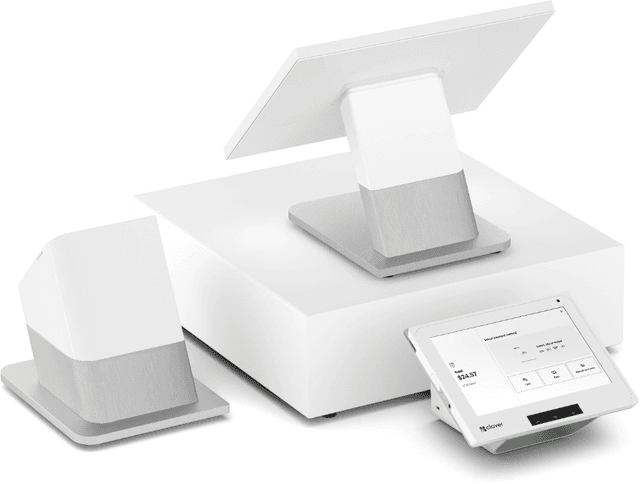
Clover Station Duo 2

At a glance

Staff run the order on a 14" screen while guests confirm, tip, redeem, and pay on theirs, with less back-and-forth at rush.

Often strongest for

  • QSR & fast casual
  • Counter ordering & cafés
  • Delis & sandwich shops
  • Bakery & coffee to-go lines
  • Retail with customer-facing pay

Go deeper on the next page — how it fits, what it does, and hardware details
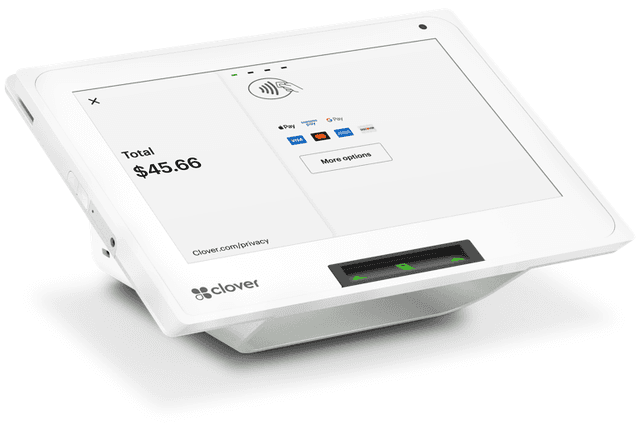
Clover Mini 3

At a glance

Full Clover stack in a small footprint for retail, cafes, and front desks that refuse to sacrifice apps or speed.

Often strongest for

  • Retail & boutiques
  • Quick-service & cafés
  • Salons & spas
  • Professional & medical front desks
  • Food trucks & compact counters
  • Second lane or satellite register

Go deeper on the next page — how it fits, what it does, and hardware details
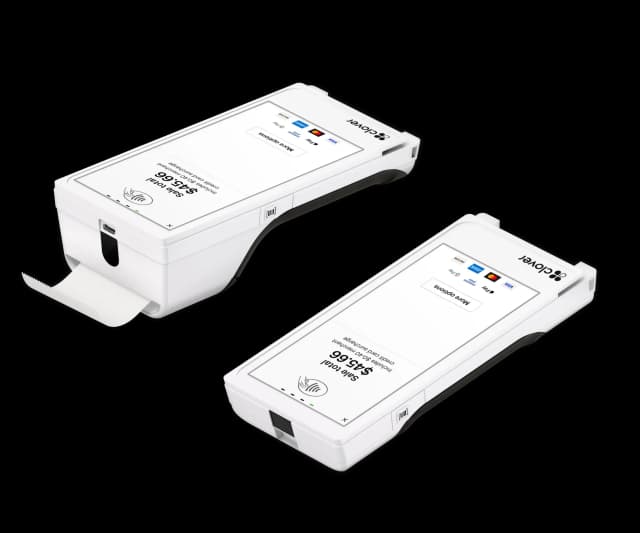
Clover Flex 4

At a glance

Handheld orders and payments with a built-in printer for table service, line busting, and curbside without running back to the counter.

Often strongest for

  • Full-service restaurants
  • Bars & taprooms
  • Hotels & lounges
  • Stadiums & venues
  • Curbside & line busting

Go deeper on the next page — how it fits, what it does, and hardware details
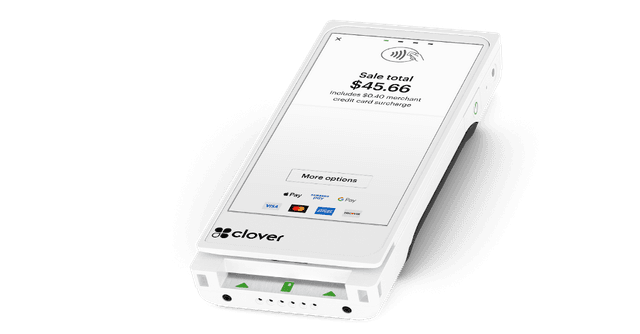
Clover Flex Pocket

At a glance

Same Flex horsepower in a slimmer pocket-friendly build, great when you want mobile without carrying a printer.

Often strongest for

  • Pop-up & seasonal retail
  • Mobile vendors
  • Delivery & curbside handoff
  • Trade shows & events
  • Light table service

Go deeper on the next page — how it fits, what it does, and hardware details
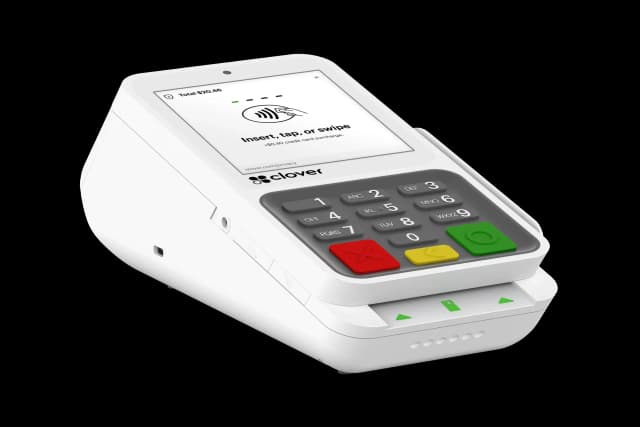
Clover Compact

At a glance

Physical keypad plus printer in one small unit for lanes that lean on PIN entry, fuel, pharmacy, and quick retail.

Often strongest for

  • Pharmacy counters
  • Fuel & convenience
  • Quick retail checkout
  • Semi-integrated lanes
  • PIN-heavy workflows

Go deeper on the next page — how it fits, what it does, and hardware details
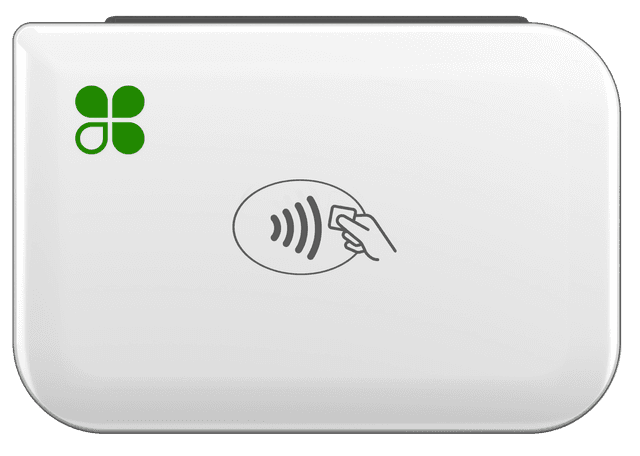
Clover Go

At a glance

Use the phone or tablet you already carry for chip, tap, and wallets in light volume, pop-ups, and pros on the move.

Often strongest for

  • Mobile professionals
  • Market & fair vendors
  • Low-volume pop-ups
  • Contractors on the go
  • Add-on reader for tablets

Go deeper on the next page — how it fits, what it does, and hardware details
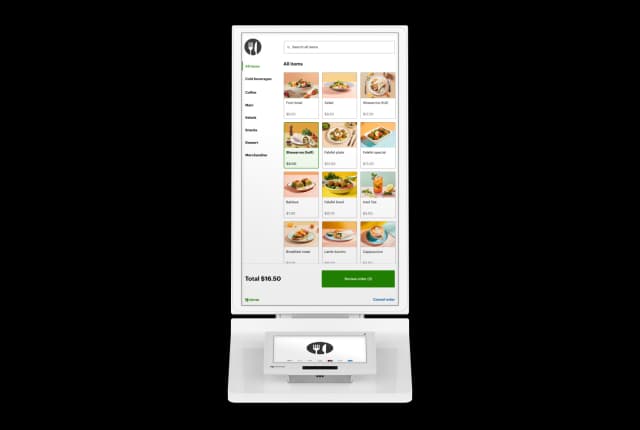
Clover Ordering Kiosk

At a glance

Guests order and pay at the kiosk while menus and pricing stay in sync with your Clover POS for shorter lines at the counter.

Often strongest for

  • QSR & fast casual
  • Cafés & bakeries
  • Food halls
  • Stadium concessions
  • High front-counter traffic

Go deeper on the next page — how it fits, what it does, and hardware details
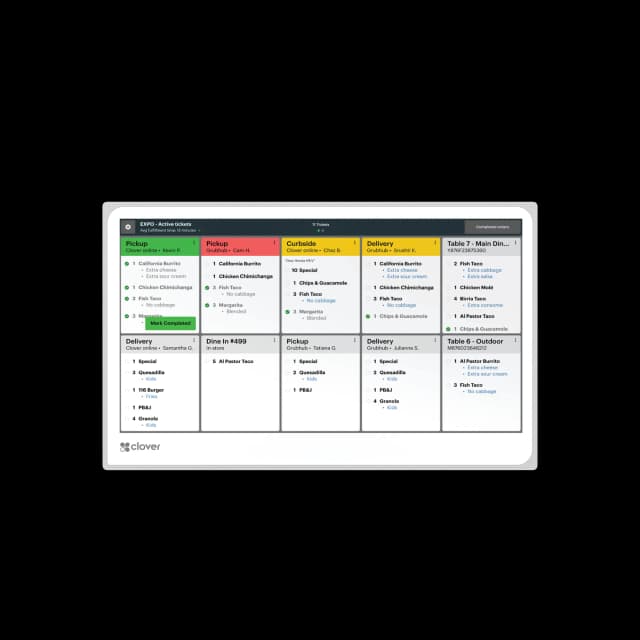
Clover KDS

At a glance

Route orders directly to the kitchen with 14" or 24" displays, color-coded ticket flow, and optional bump-bar controls.

Often strongest for

  • Full-service restaurants
  • Quick-service & fast casual
  • Food halls & ghost kitchens
  • Multi-station prep lines
  • High-volume kitchens

Go deeper on the next page — how it fits, what it does, and hardware details

Ready for Clover without the sticker shock?

Qualified merchants can place Clover hardware at no upfront equipment cost when you process with Omega, plus onboarding and support so your team owns the first busy night, not survives it.

(866) 663-4204

Frequently asked questions

Is free Clover POS system placement really no-cost?
Free Clover POS system placement means hardware is placed at no upfront equipment cost for merchants who qualify and process with Omega Bank Card. You pay your Clover software plan and standard processing rates. The device itself is not purchased or leased — it is provided as part of the processing relationship. Terms apply.
How do I qualify for free Clover POS system placement?
Qualification is based on your business type, average monthly card volume, and a few standard underwriting checks. There is no hard credit pull to start. Most retail, restaurant, and service businesses qualify. Apply or get a quote to see your options in minutes.
What happens if I stop processing with Omega?
Simply return the hardware in working condition. Non-return fees only apply if equipment is not returned. There is no early termination fee tied to closing or selling your business.
Which Clover device is best for my business with free Clover POS system placement?
The Mini works well for cafes, salons, and quick-service counters. The Duo is the go-to for full-service restaurants and busy retail checkouts. The Flex is best for tableside, curbside, or mobile service. The Go pairs with your phone for markets and pop-ups. Omega helps you pick before you apply.
Does Omega provide setup and training?
Yes. Onboarding includes item migration, printer and peripheral setup, tax and tip configuration, and staff training. Consultants are available on live calls and coordinate ship dates. On-site help is available when geography and the project allow.