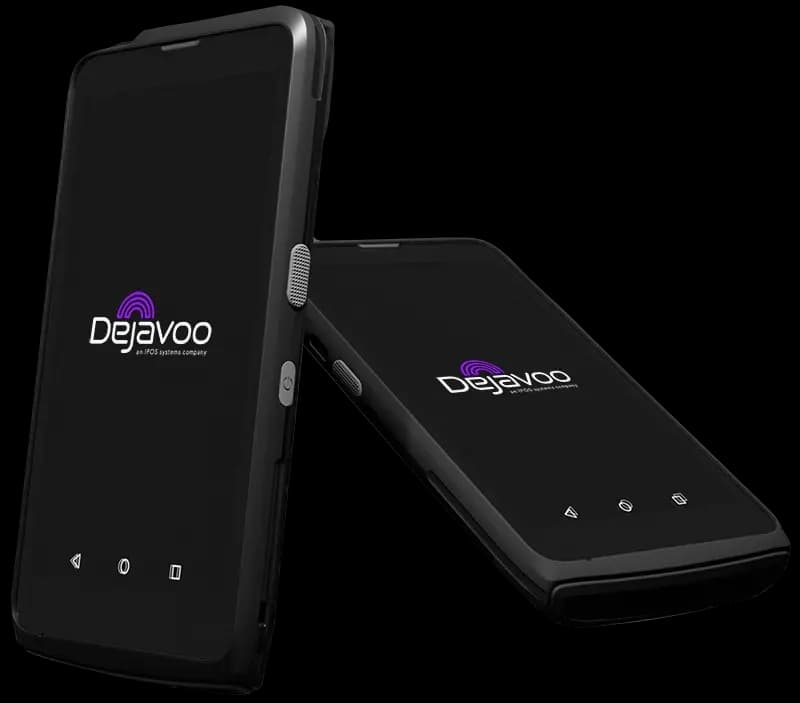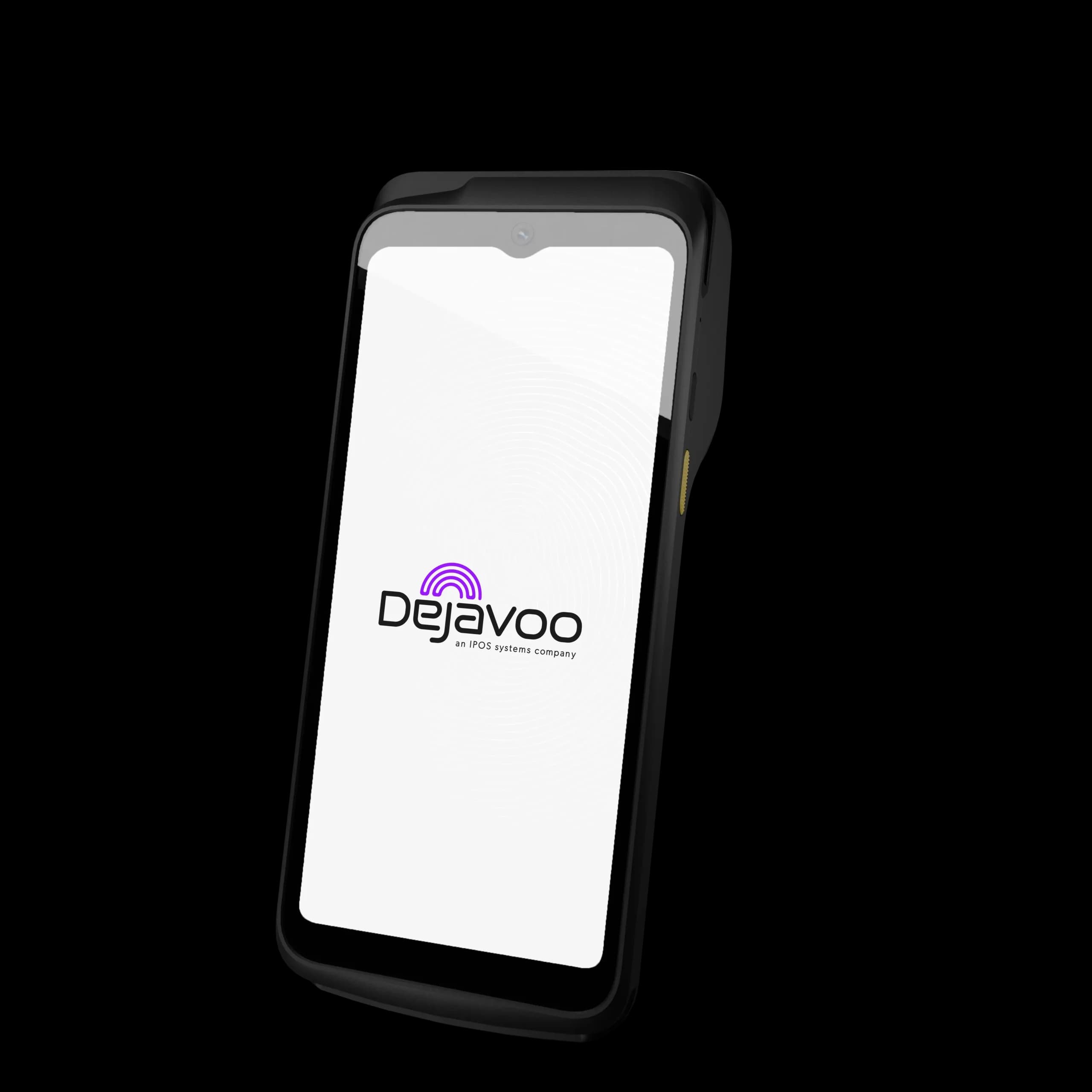
Dejavoo iPOSpays background

Gateways we offer/Dejavoo iPOSpays

Offered by Omega Bank Card Services

Best for: CNP sales, memberships, field & counter checkoutPremium unified gateway experience

Take card payments from your laptop—no extra register required

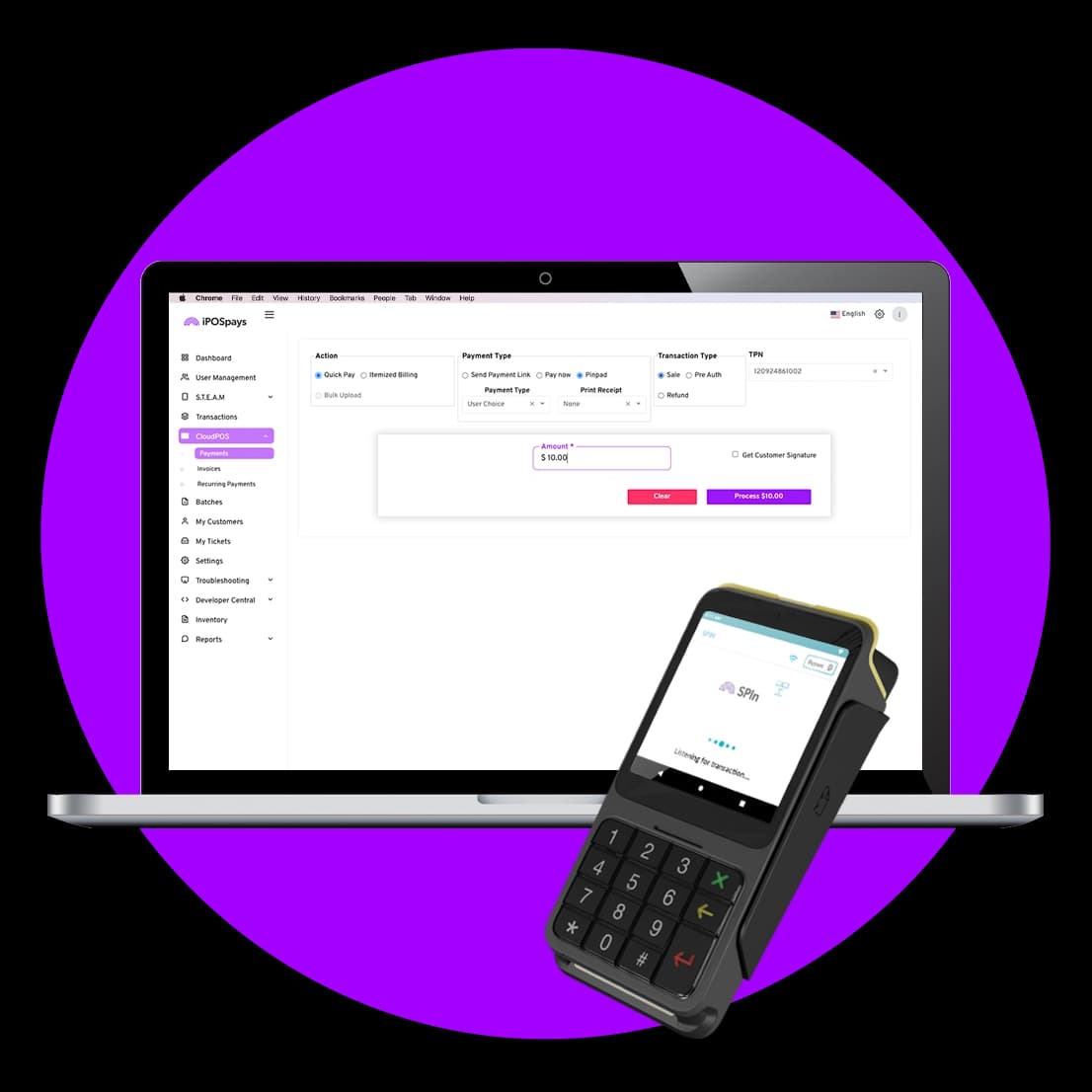
iPOSpays Cloud POS is built for owners who take orders by phone, email, or appointment and do not want to buy a second point of sale just to key a card. Use a secure virtual terminal on the PC or tablet you already own, email or text customers a pay link when that is faster, and put memberships or installments on autopilot so cash flow stays predictable. When you also sell face-to-face, the same program can pair with Dejavoo chip-and-tap terminals so in-person and card-not-present sales stay under one roof—and you may qualify for better card-present pricing when you dip or tap. Dejavoo positions the broader iPOSpays stack for gyms, restaurants, mobile merchants, auto retail, salons, and professional services—Omega helps you enable only the paths that match your program and software stack.

Get paid today: keyed entry, pay-by-link, and scheduled chargesOptional Dejavoo terminal or Tap to Pay on phone with iPOSgo! where supportedOne relationship with Omega for setup, training, and support
Dejavoo iPOSpays logo

Pay links & keyed

Close sales when the customer is not standing in front of you
Recurring built in

Memberships, installments, and repeat billing without spreadsheets

Grow into hardware

Start virtual-only and add a Dejavoo terminal or mobile tap when volume justifies it

Who it’s for

  • Retail and wholesale businesses that take a high volume of phone orders or will-call payments
  • Contractors, garages, and service companies that invoice after the job and want a simple way to collect
  • Gyms, storage clubs, salons, and memberships that rely on recurring billing on a weekly, monthly, or quarterly rhythm
  • Restaurants and caterers that want card-not-present collection with secure payment links and monitoring
  • Mobile merchants and seasonal sellers: field teams, food trucks, markets, and pop-ups who can take Tap to Pay on iPhone or Android with iPOSgo! where the program allows—no extra reader in some cases
  • Auto dealerships and multi-system businesses exploring omni-commerce gateway paths with DMS or accounting software—Omega confirms what your stack can support
  • Professional offices that want to reduce duplicate entry into QuickBooks Online when the iPOSpays integration is enabled on your TPN

Key benefits

  • Stop turning away “can I pay over the phone?”—key the card safely and email a receipt the same way every time
  • Text or email a secure payment link so customers pay on their own time; you see when it is paid without calling to follow up
  • Put repeat charges on autopilot—weekly, monthly, or custom—so renewals and installments do not fall through the cracks
  • When you add a Dejavoo terminal, customers can dip or tap at the counter while your back office stays on one system
  • On the go, Tap to Pay with iPOSgo! lets you accept contactless payments on a supported phone when your deployment supports it—useful for lines, curbside, or field work
  • Salons and retail teams can add contactless wallet acceptance and loyalty-style programs (such as Dejavoo Extra) where your program includes them—ask Omega what is turned on for your account
  • Hosted checkout and fraud monitoring are available when you are ready to sell more online—Omega helps you turn on only what you use

Highlights

  • Merchants use virtual POS to stay flexible: many industries now run a mix of in-person, phone, and pay-by-link—Cloud POS keeps you in the game without a complicated stack
  • You choose the economics: card-present when the card is there, pay links and keyed when it is not—Omega explains how that affects your effective rate
  • Security customers expect: tokenization and optional hosted checkout help you keep card data out of email and sticky notes
  • Industry fit: from recurring dues and restaurant pay-by-link to dealership and accounting handoffs, Dejavoo’s iPOSpays story is built for omnichannel reality—your Omega rep maps the subset that applies to you

QuickBooks integration guide

Step-by-step: connect QuickBooks in the iPOSpays portal, set service and ledger, and how terminal vs Cloud POS posting works.

View guide

Core solutions

iPOSpays Cloud POS placeholder image

iPOSpays Cloud POS

Your laptop or desktop becomes a payment station: take card-not-present sales, run mail and phone orders, and keep a clear record for accounting—ideal when a full POS footprint is more than you need today.

Automated recurring payments placeholder image

Automated recurring payments

Charge on the schedule you set—so gym dues, service plans, and installment plans run whether you are on the floor or off for the day. Less manual invoicing means fewer missed payments.

Secure payment links placeholder image

Secure payment links

Send a link instead of reading card numbers over a noisy line. Customers pay from their phone; you get confirmation without playing phone tag—great for deposits and balance-due collections.
Tap to Pay with iPOSgo! placeholder image

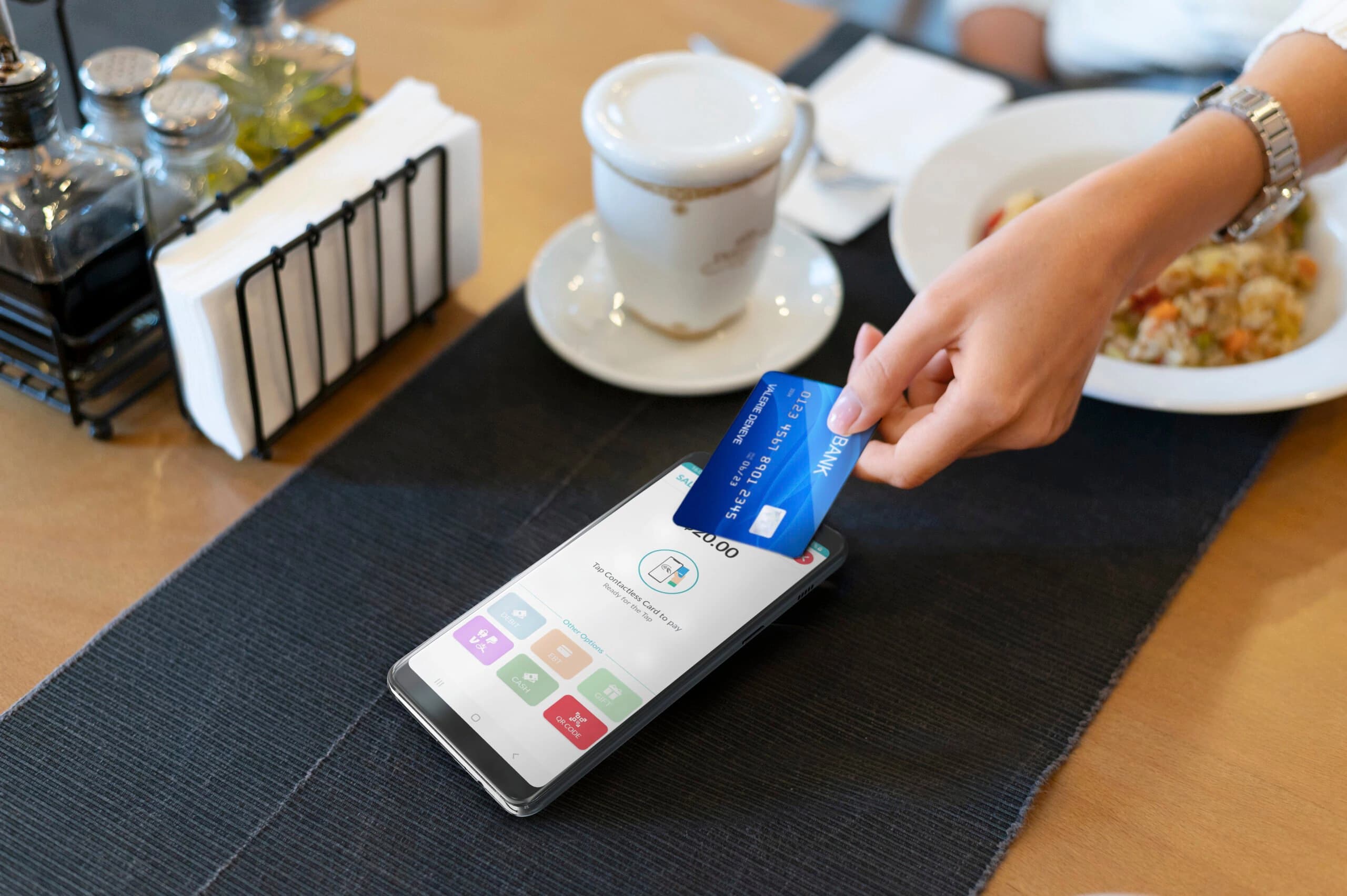
Tap to Pay with iPOSgo!

Where your program supports it, take contactless payments on a supported iPhone or Android with iPOSgo!—a practical option for mobile merchants, curbside, or seasonal lanes without adding a full countertop terminal first.

Works with Dejavoo terminals placeholder image

Works with Dejavoo terminals

When foot traffic picks up, add chip-and-tap hardware that works with the same program—so counter sales get the speed customers expect and you are not juggling two different systems.
Features

  • Cash discount-
  • Dual pricing-
  • Mobile app Yes
  • Recurring billing Yes
  • API access Yes
  • Hosted payment page Yes
  • eCheck-
  • QuickBooks interface Yes
  • Invoice / Bill pay-
  • Multi-user logins Yes
  • Digital payment link Yes
  • Multi-MID-
  • Inventory management-
  • Customer database-

Compatible equipment

Dejavoo P1

Dejavoo P1

Android-based countertop terminal. Base unit for attaching P17 PIN pad.

View device
Dejavoo P3

Dejavoo P3

Compact Android countertop terminal for fast EMV and contactless payments.

View device
Dejavoo P5

Dejavoo P5

Mid-size Android countertop terminal with printer and connectivity options.

View device
Dejavoo P8

Dejavoo P8

Secure Android wireless terminal with 6.5" HD touchscreen. Suited for retail, restaurant, and countertop use.

View device
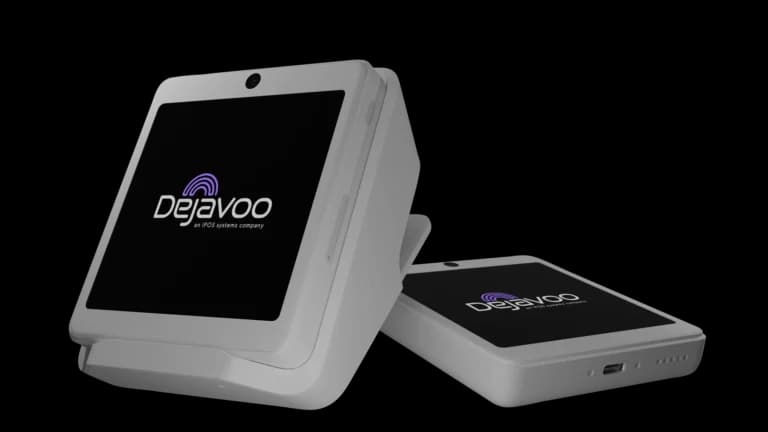
Dejavoo P12

Dejavoo P12

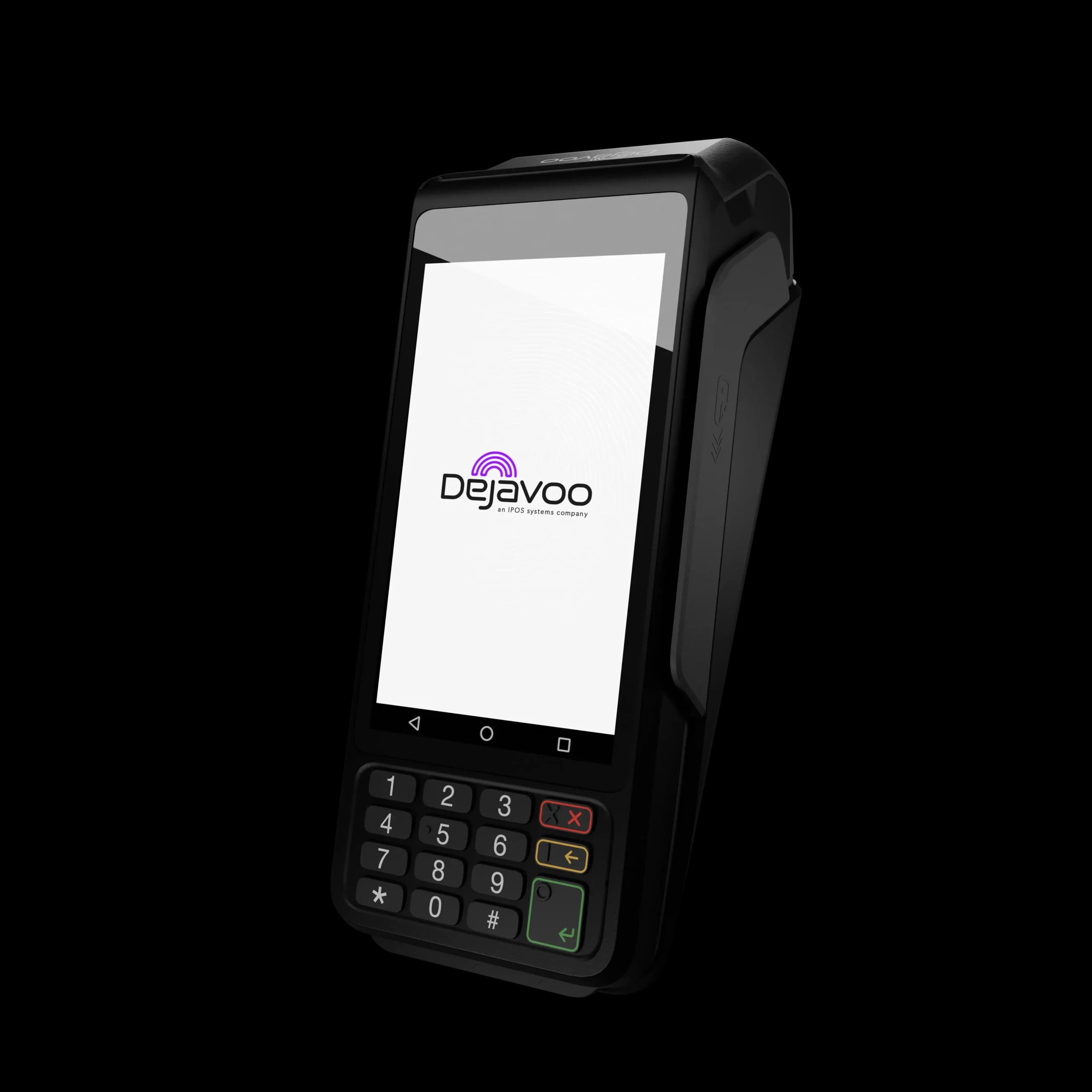
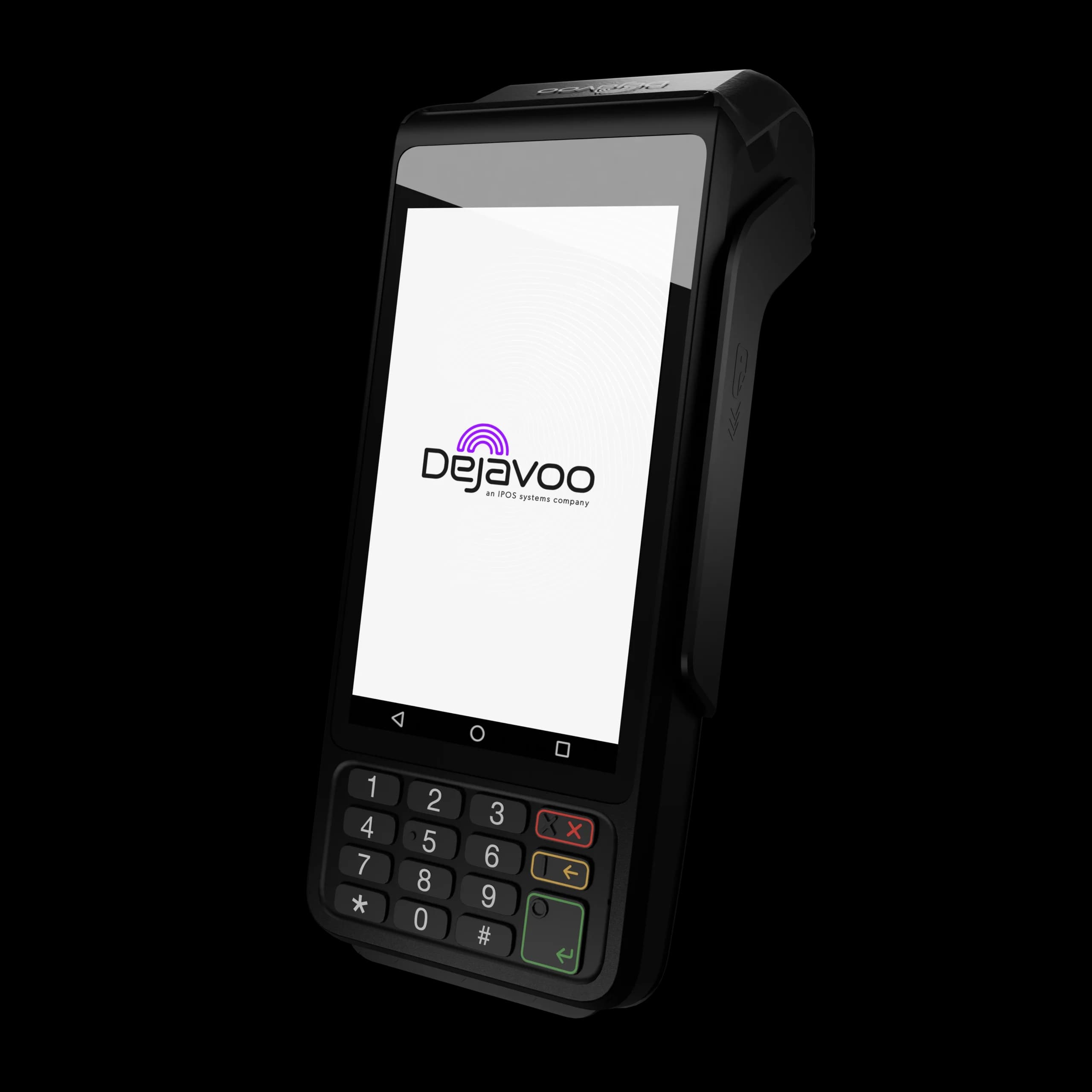
Android mPOS terminal that works countertop or on the go. 4" touchscreen, dual-band Wi-Fi.

View device
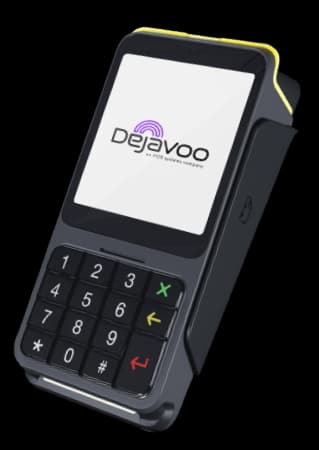
Dejavoo P17

Dejavoo P17

Countertop Android PIN pad for high-volume retail, hospitality, and healthcare. Connects via USB-C to P1.

View device
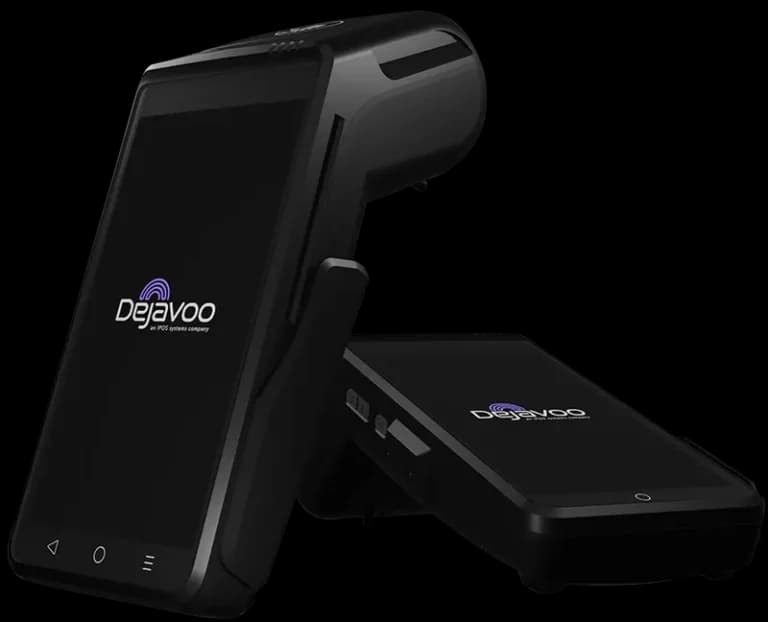
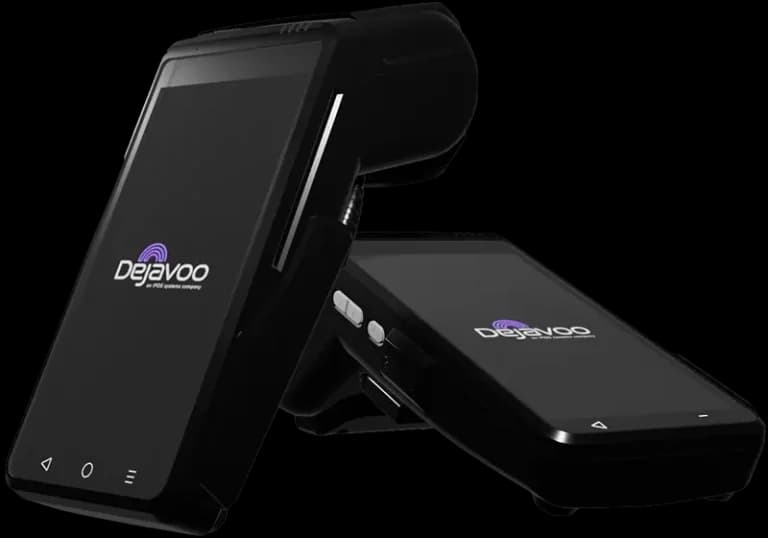
Dejavoo QD4

Dejavoo QD4

QD Series terminal for retail and restaurant.

View device

View all countertop terminals

How onboarding works

Step 1

Pick your setup

We map your checkout flow to the right gateway, terminal mix, and integration level.

Step 2

Configure pricing

We review your options for interchange-plus, dual pricing, or cash discount where it fits.

Step 3

Launch with support

Our team helps train staff, test payment flows, and finalize go-live with confidence.

Ready to get started with Dejavoo iPOSpays?

Our team can walk you through setup and the right equipment for your business.

Get My Instant Quote

Prefer to talk first? Call (866) 663-4204

© 2026 Omega Bank Card Services. Dejavoo iPOSpays is offered by Omega Bank Card Services. All product names are trademarks of their respective owners.