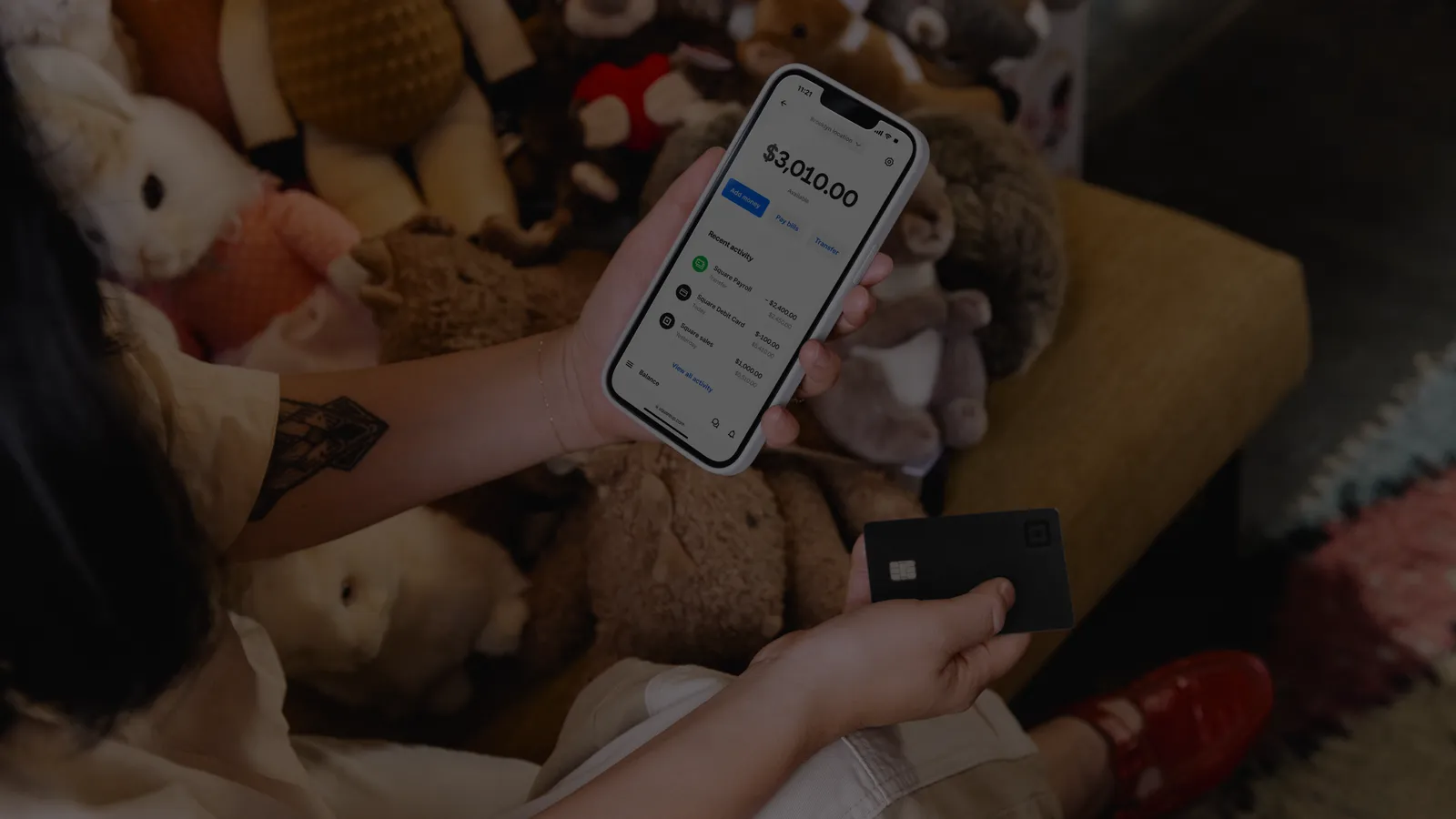
POS Systems / Square / Square Invoices

Square software & tools

Square Invoices

If your POS is a PDF and a chase email, Square Invoices is the product that matches how you get paid. Send an estimate, convert it to a bill, take a card remotely, and see what is outstanding. Omega pairs that with a Reader or Terminal for on-site days, and with other processors when invoice volume belongs on interchange-plus.
  • Estimates, invoices, and contracts
  • Pay how the customer prefers
  • Same Square account as POS

Compare the Square lineup(866) 663-4204

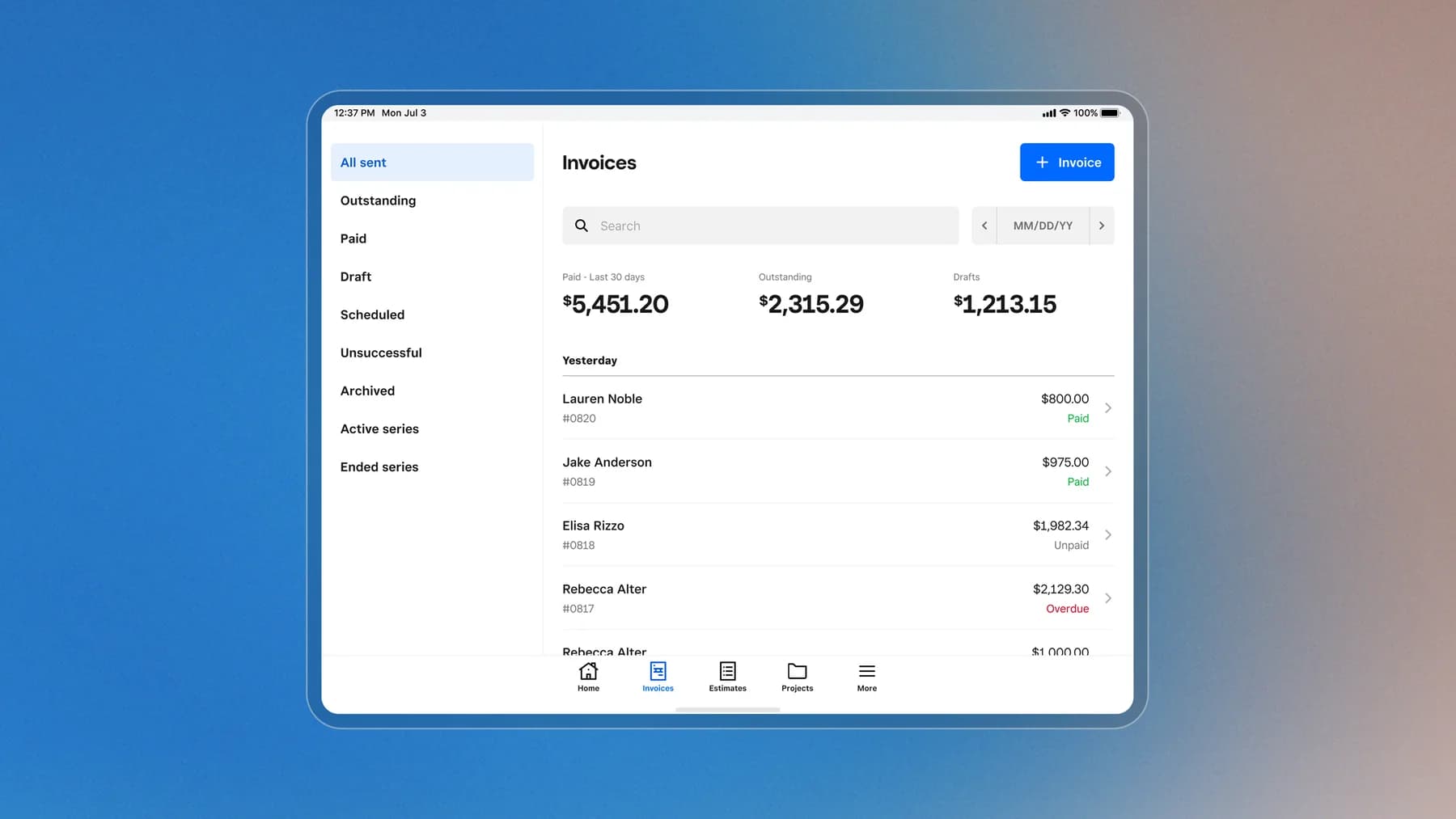
Square Invoices dashboard on a tablet showing paid, outstanding, and overdue invoices

Remote

Send a link. Get the status.

Created, viewed, reminded, and paid without a chase spreadsheet.

On-site

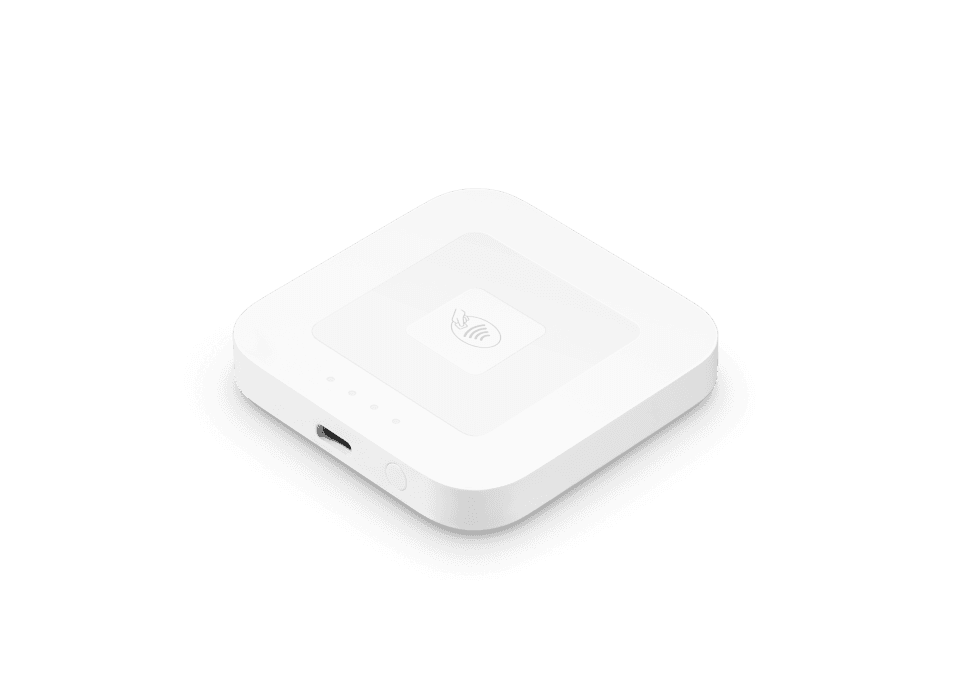
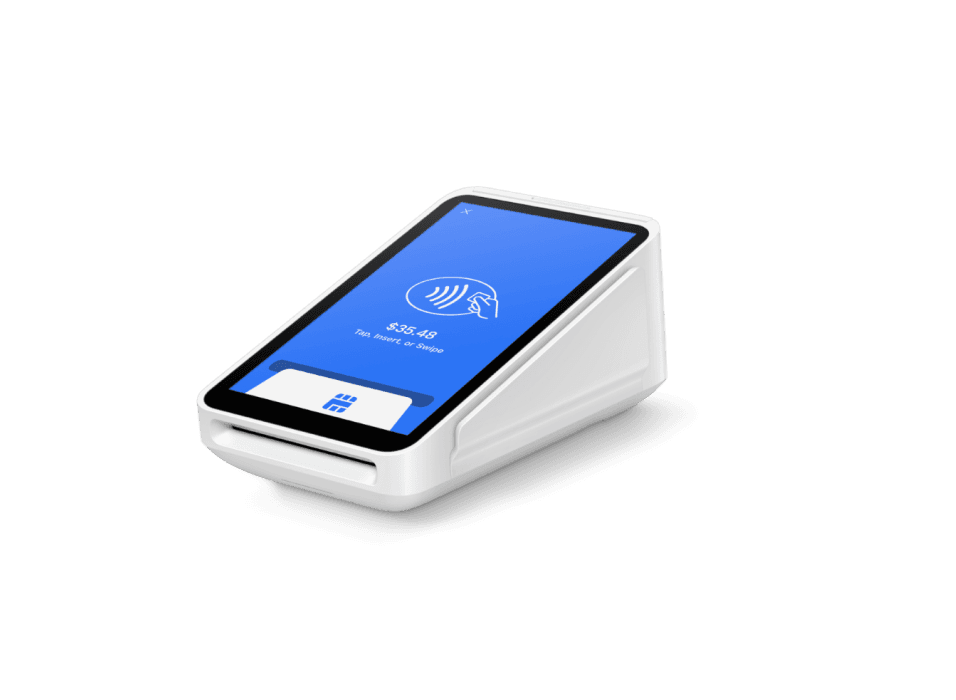
Reader or Terminal when they are in front of you

Do not key a card that is physically present if you can dip or tap.

Rates

Card-not-present is priced differently

As volume grows, Omega can still show interchange-plus and gateway options.

Overview

Why operators pick Square Invoices

Square Invoices covers estimates, contracts, and remote payment tracking for field service, professional services, and anyone who gets paid after the work.

Square Invoices is for jobs that are not a counter sale: estimates, contracts, pay-by-link, and card-on-file. Omega pairs it with Reader or Terminal for on-site days, and with interchange-plus when invoice volume belongs there.

Square Invoices dashboard showing paid, outstanding, and overdue invoices

Often strongest for

  • Contractors
  • Professional services
  • Studios
  • B2B jobs
  • Mobile techs
  • Invoices and estimates from the same Square seller account as in-person payments
  • Contracts and professional-looking bills without a separate invoicing island
  • Real-time payment tracking so you are not guessing who paid
  • Services mode on Square POS for custom amounts and field checkout

Built for how you actually sell

Square sets the product. Omega maps it to your floor, volume, and whether Clover or another system is still the better fit.

Estimates, invoices, and contracts

Convert an accepted estimate to a bill. E-signature contracts on supported flows.

Pay how the customer prefers

Card, Apple Pay, Google Pay, Cash App Pay, ACH, and Afterpay where Square offers them.

Same Square account as POS

Services mode for custom amounts plus Invoices for work that is quoted first.

How the workflow runs

  1. 01

    Estimate

    Scope the work and get a one-click accept.

  2. 02

    Invoice

    Convert the estimate and send the bill.

  3. 03

    Remind

    Automatic follow-up before it goes stale.

  4. 04

    Paid

    Card, ACH, or collect on-site the same day.
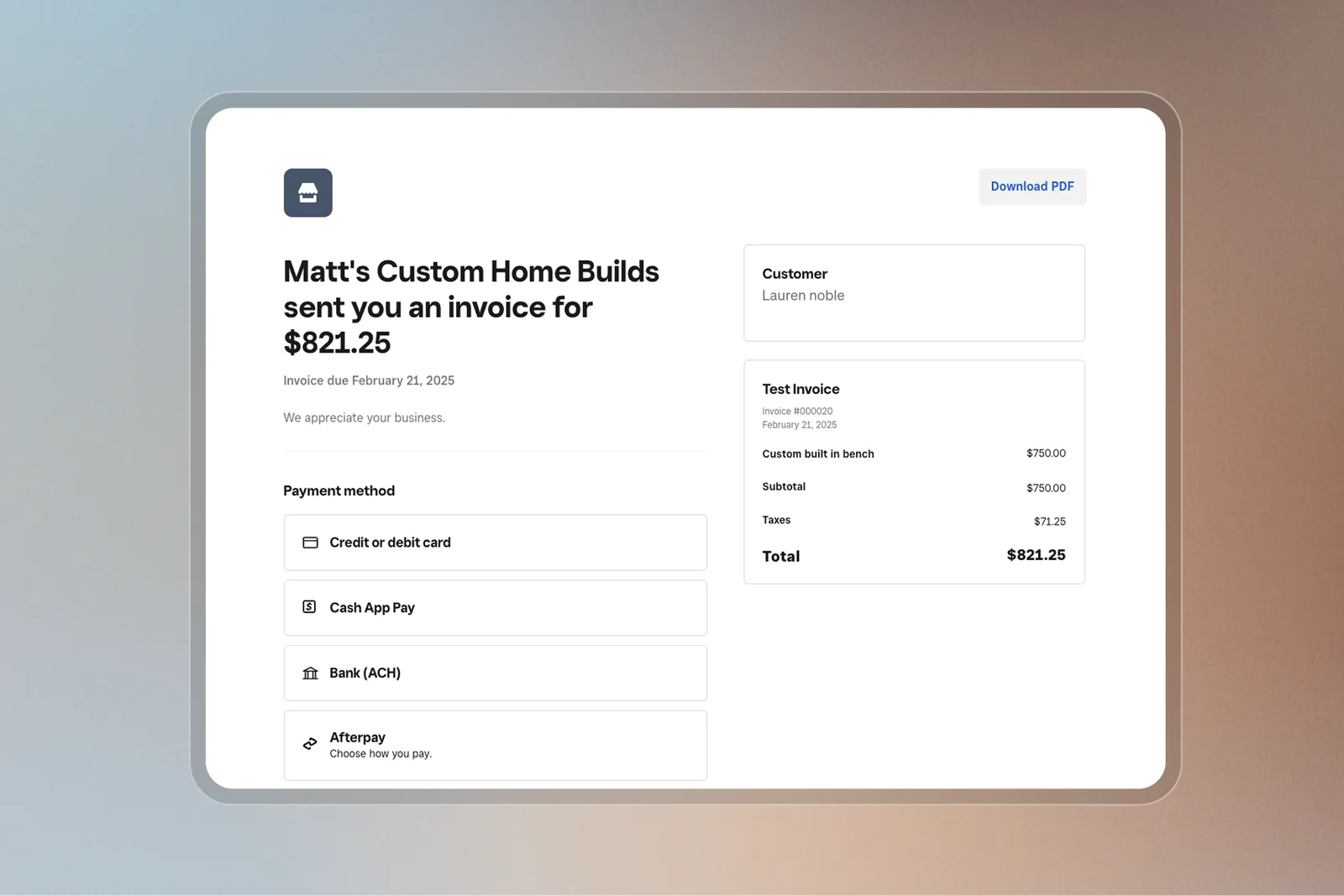
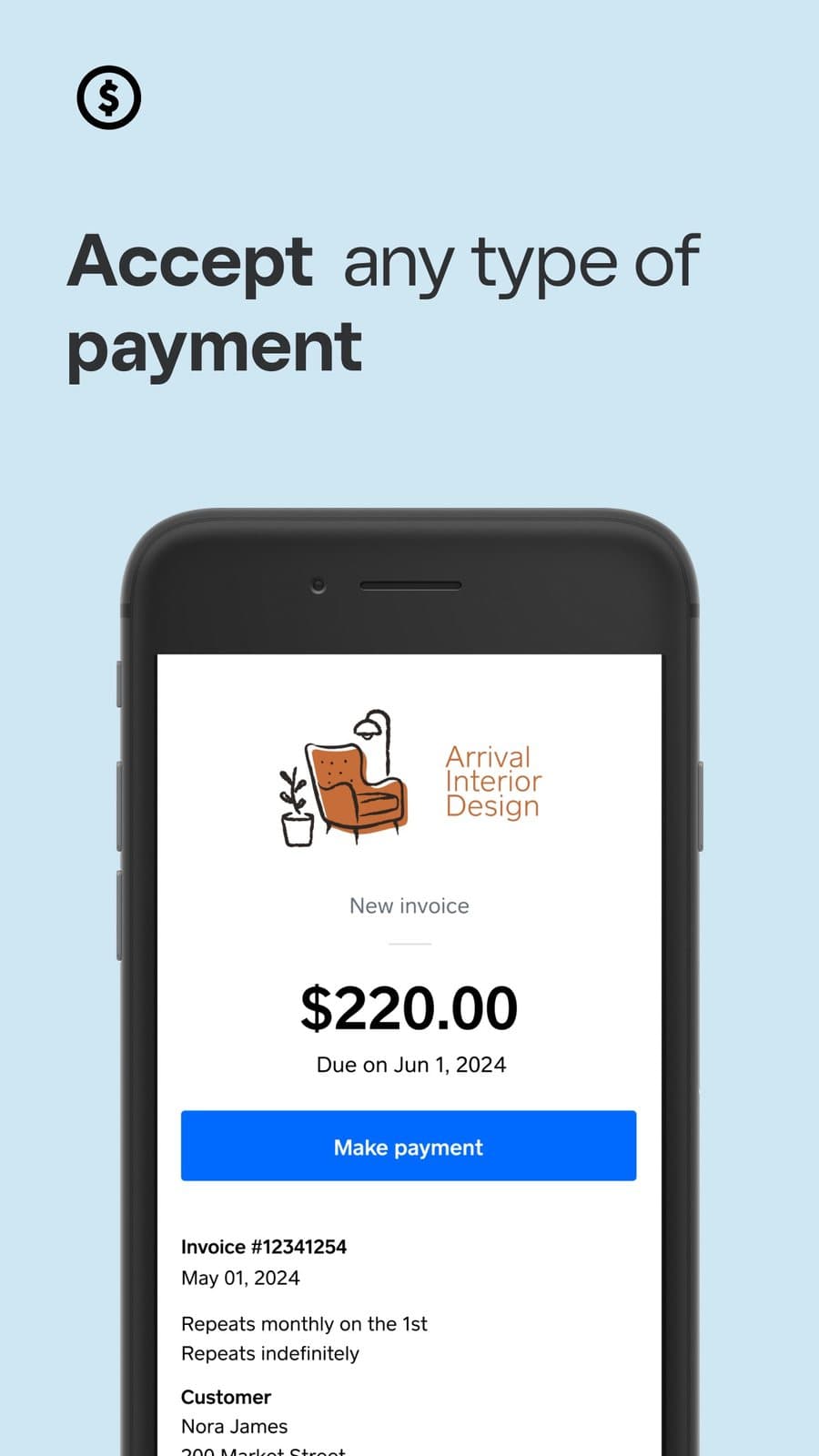
Customer-facing Square invoice with card, Cash App Pay, ACH, and Afterpay

Pay page

Get paid how the customer prefers

Send a branded invoice by email, text, or a shareable link. The customer pays from a phone or desktop.
  • Pay-by-link from any device
  • Card, wallets, ACH, and Afterpay where available
  • Downloadable PDF for their records
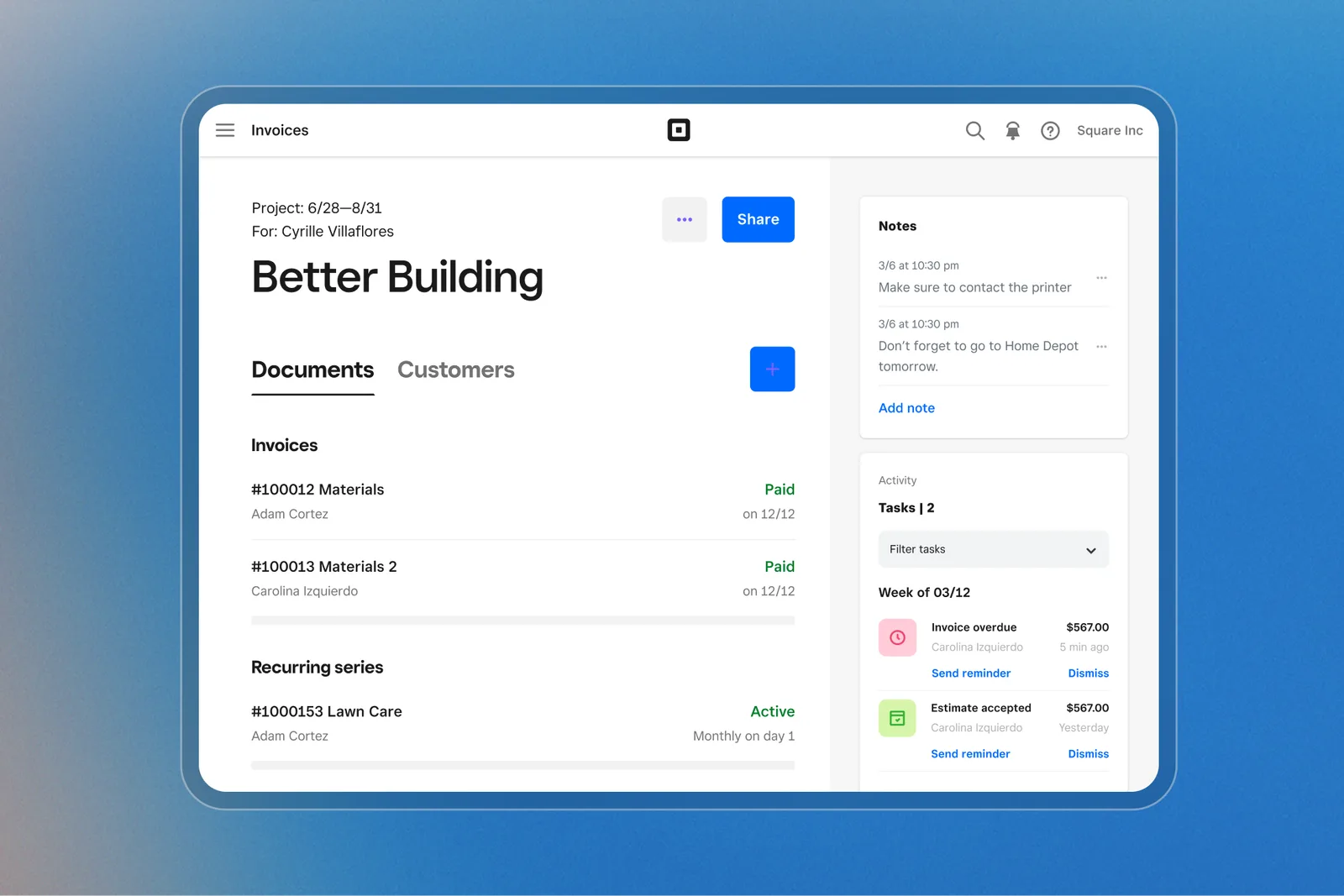
Square Invoices project documents and recurring series

Projects

Keep the job in one place

Estimates, invoices, contracts, notes, and activity sit on the same Square account as in-person checkout.
  • Estimates that convert to invoices
  • Contracts with e-signature
  • Recurring series for retainers
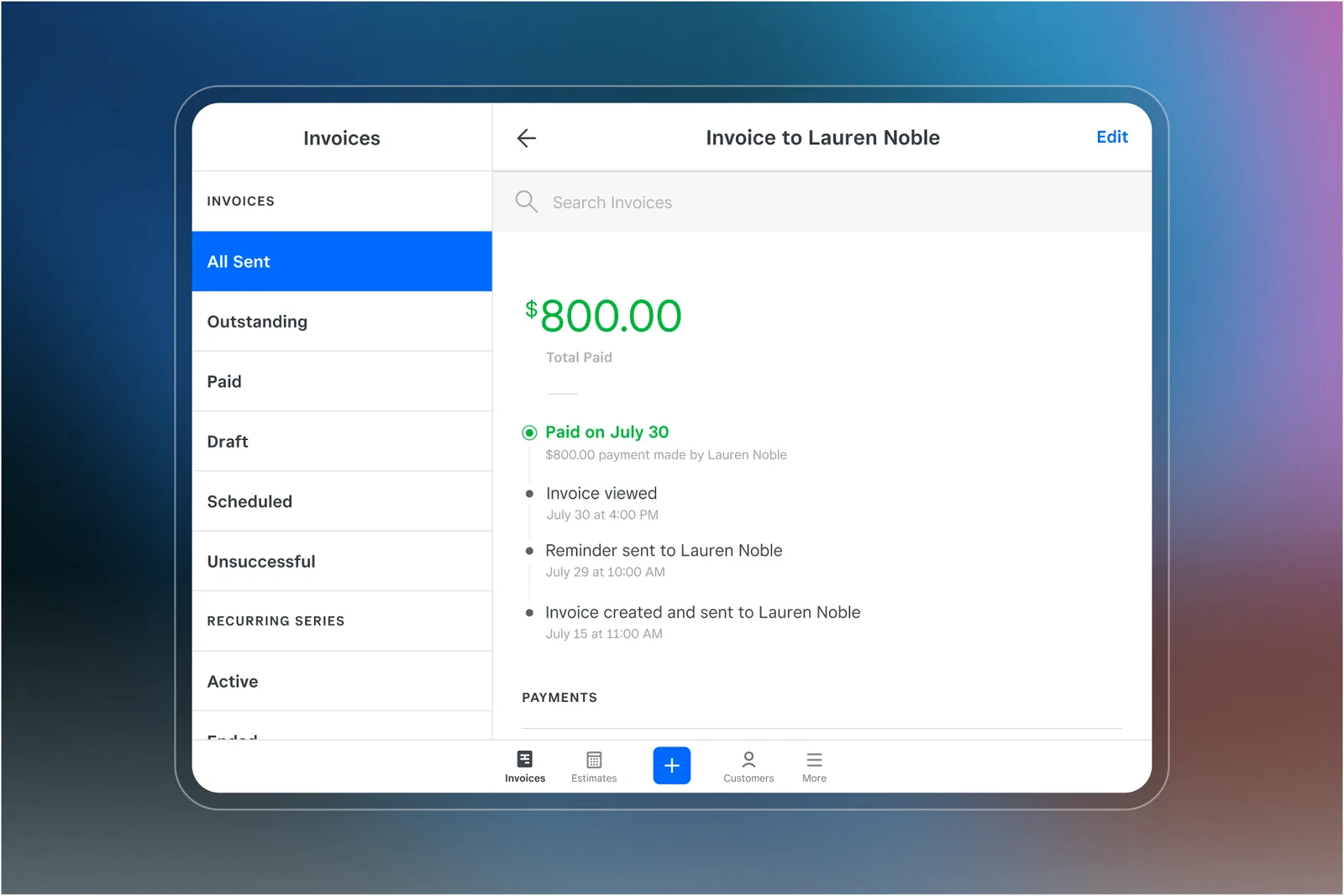
Square Invoices payment timeline

Tracking

See who viewed it, who paid, and who is late

Square tracks created, sent, viewed, reminded, and paid. You know when to follow up.
  • Automatic reminders
  • Outstanding and overdue at a glance
  • Deposits and milestone schedules
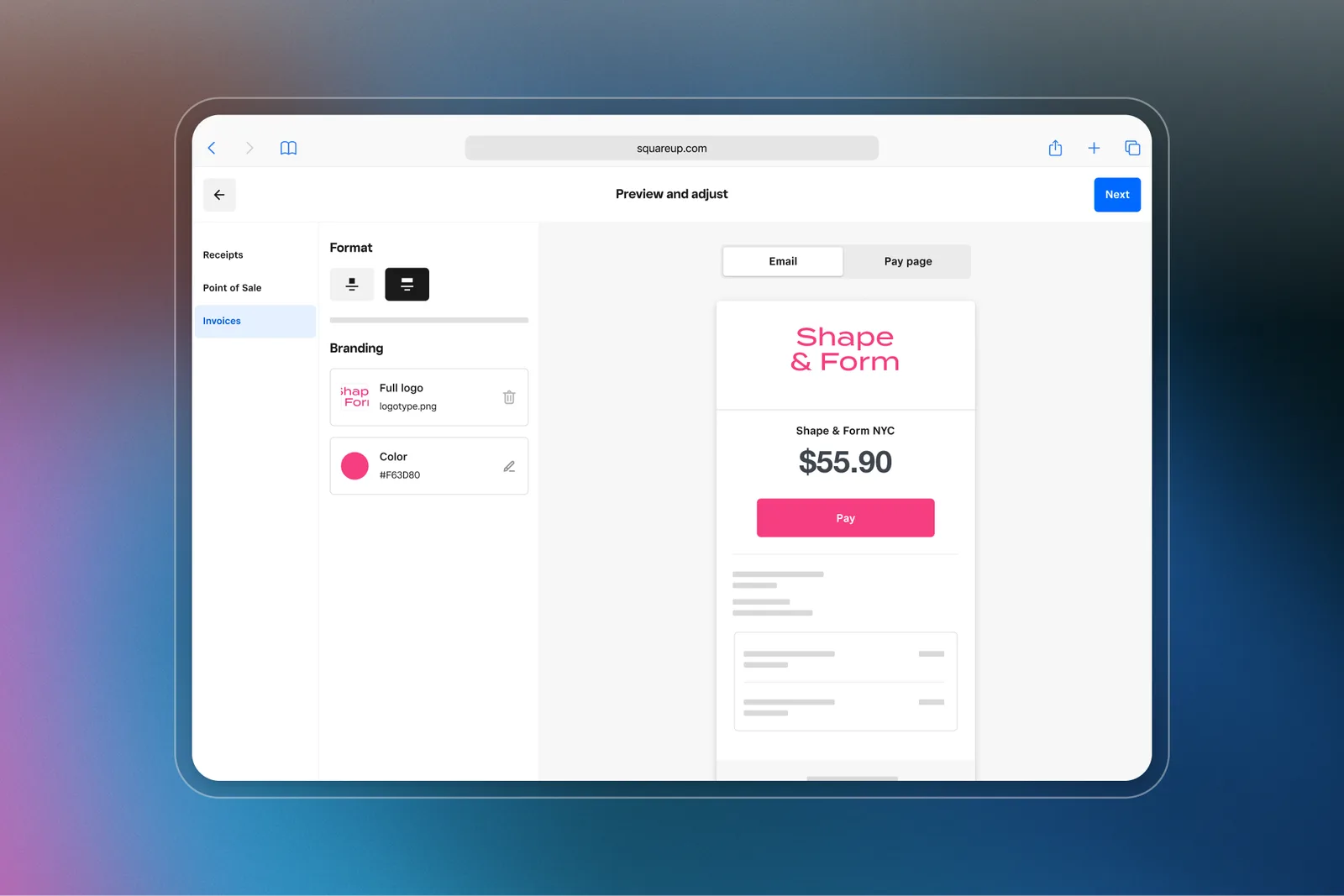
Square invoice branding preview with logo and Pay button

Brand

Look like a firm, not a forwarded PDF

Logo, color, and layout are Square’s invoice branding tools. Omega helps you set that once.

  • Logo and brand color
  • Reusable templates
  • Email and pay-page preview

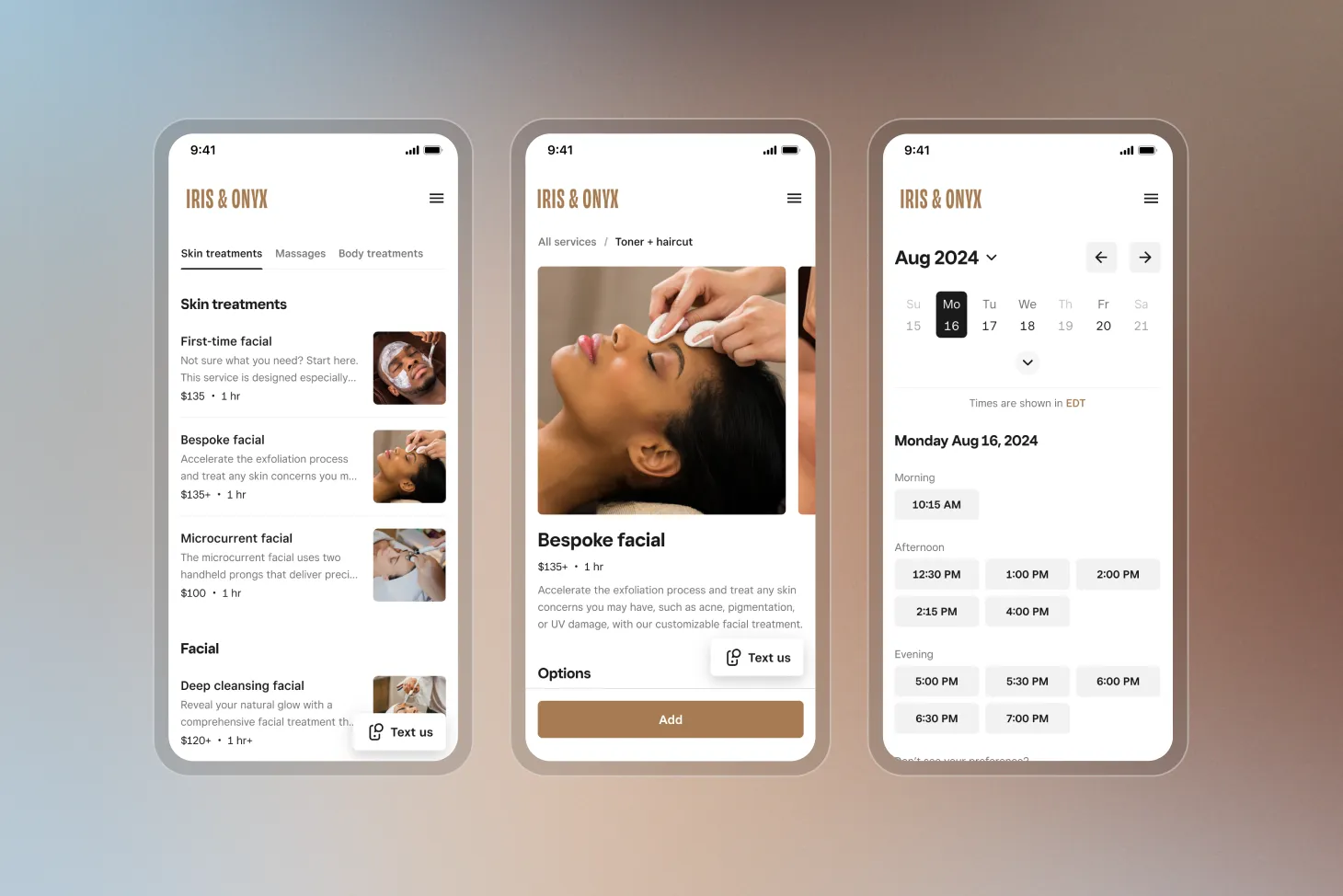
Official Square product shots so you can picture the hardware, software, and how it sits on a real counter.
Invoices dashboard
Dashboard
Customer pay page
Customer pay page
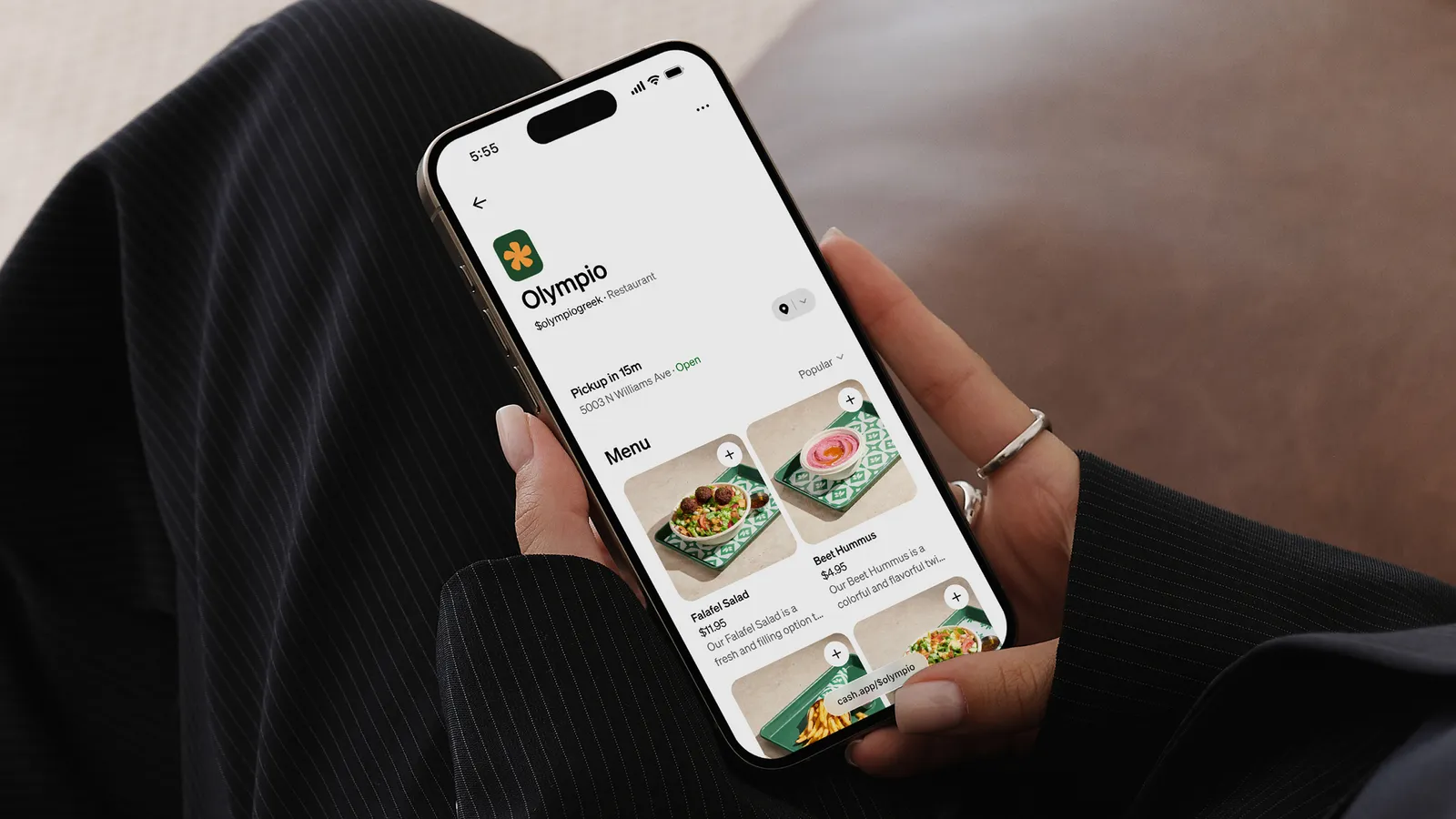
Mobile invoice pay screen
Pay on a phone

Product details

Key facts from Square, summarized for owners comparing systems. Hardware prices, software plans, and processing rates are set by Square. See Square Free, Plus, and Premium. Omega walks the full spec and accessory plan with you.

Role
Estimates, invoices, contracts, and remote payment tracking for quoted work.
Customer pay
Card, Apple Pay, Google Pay, Cash App Pay, ACH, and Afterpay where Square offers those methods.
Tracking
Created, sent, viewed, reminded, paid, outstanding, and overdue.
Accounting
Square offers integrations with tools such as QuickBooks Online and Xero.
On-site
Pair Reader or Terminal when the customer pays in person.
Pricing
Square sets Invoices plans and card-not-present rates. Omega can still quote interchange-plus as volume grows.

What you get with Omega

A partner who still picks up the phone. We help you choose Square, Clover, or another system we already offer, then stay through onboarding.

  • Invoices and estimates from the same Square seller account as in-person payments
  • Contracts and professional-looking bills without a separate invoicing island
  • Real-time payment tracking so you are not guessing who paid
  • Services mode on Square POS for custom amounts and field checkout
  • Reader or Tap to Pay when you collect at the job site

Services mode plus invoices

Square POS has a services mode for custom amounts, plus Invoices for work that is quoted first. We set the split so staff are not inventing a new process every job.

Honest about rates on invoices

Card-not-present invoice volume is priced differently than a coffee counter. Square’s simplicity is real; as invoice volume grows, Omega can still show interchange-plus and gateway options. The partnership means we can start you on Square without pretending it is the only forever plan.

Square through Omega

Get started

Fields marked with * are required. We typically follow up within one business day.

Your details
Business
Pricing path
Choose a pricing path

Prefer to talk? (866) 663-4204

Frequently asked questions

Can customers pay Square Invoices on a phone?
Yes. Invoices are built for remote pay-by-link checkout. Customers can pay from a phone or desktop. You can still take a card on-site with Reader or Terminal if that is how the job closes.
What can customers pay with?
Square invoices can accept card, Apple Pay, Google Pay, Cash App Pay, ACH bank transfer, and Afterpay where Square offers those methods. Availability depends on the seller account and the invoice. We will confirm what applies before you send the first bill.
Does Square Invoices connect to QuickBooks or Xero?
Square offers integrations with popular accounting tools, including QuickBooks Online and Xero. Bring your current bookkeeping setup to the conversation so we do not break a workflow that already works.
Is this for restaurants?
Not as the main tool. Restaurants should look at Square for Restaurants. Invoices are for quoted work, retainers, and services.
Is Square hardware included with Invoices?
No. Square sets hardware prices and software plans separately from processing. Omega helps you choose a Reader or Terminal for on-site collection and complete onboarding. Do not assume Clover no-cost placement applies to Square.
Do I need Square hardware to send invoices?
No. Invoices are pay-by-link. Pair Reader or Terminal only when the customer pays in person. Many service businesses start with invoices and add hardware later.
Can Omega still offer Clover instead?
Yes. Square is an addition, not a replacement. If Clover, Union, a vertical POS, or a simple terminal is the better fit, we will say so and quote that path.

Square, Square Register, Square Terminal, Square Handheld, Square Stand, Square Reader, Square Kiosk, and related marks are trademarks of Block, Inc. Omega Bank Card Services is an independent Square partner and is not Block, Inc. Hardware availability, software subscriptions, and processing rates are set by Square and may vary. Omega helps you evaluate fit, complete onboarding, and stay supported after go-live.