POS Systems / Square / Square Register

Square hardware

Square Register

If your counter is the bottleneck, Register is the Square device built to keep it moving. Staff rings the sale on one screen while the guest tips, signs, and pays on the other. Omega helps you decide if Register, Terminal, or a mixed Square setup is the right floor plan, and stays with you through go-live.
  • Customer-facing display for tips and tap
  • Fixed lane that stays on
  • Runs the full Square POS modes

Compare the Square lineup(866) 663-4204

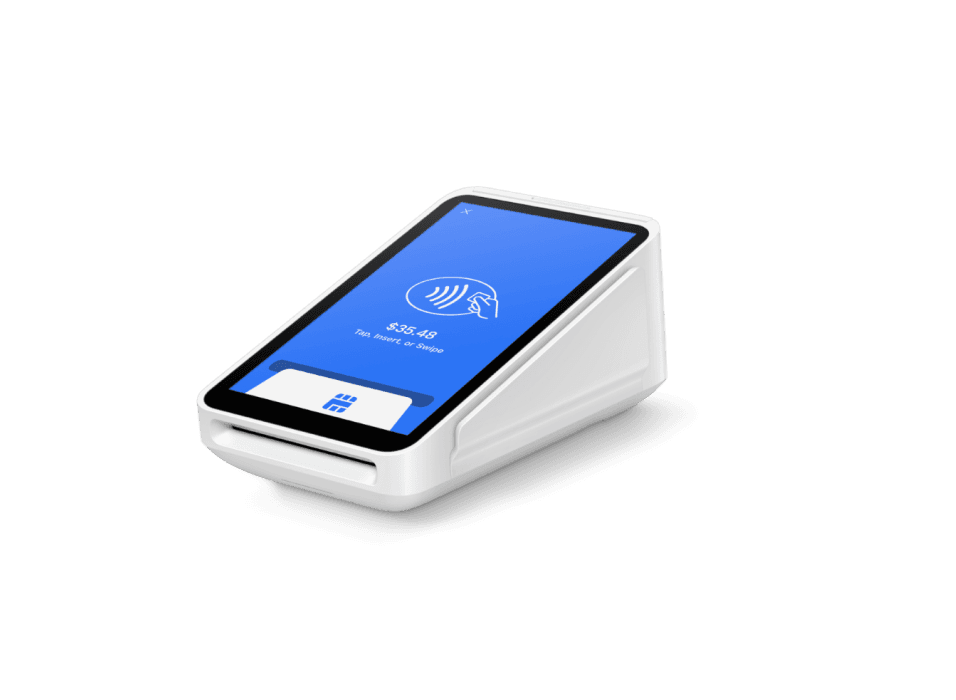
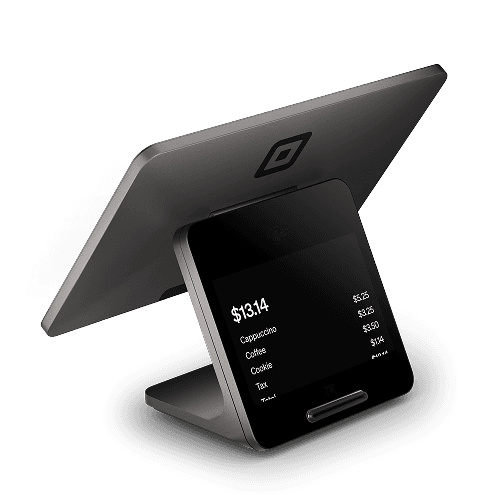
Square Register dual-screen point of sale on a counter

Counter

Two screens, one station

Guests confirm the total without handing a card back over the counter.

Stack

Shares the Square account

Pair Handheld, Terminal, Kiosk, or kitchen display without a second catalog.

Omega

Floor plan before the box

We size Register vs Terminal from your peak, not from a hardware list price.

Overview

Why operators pick Square Register

Square Register (2nd generation) puts a merchant screen and a customer screen on one counter so guests can confirm, tip, and pay without handing a card back and forth.

Register is Square’s dual-screen counter station: staff rings the sale on one display while the guest tips, signs, and pays on the other. Omega maps counter space, cash drawer, and whether you also need Handheld or Kiosk so you are not guessing on opening week.
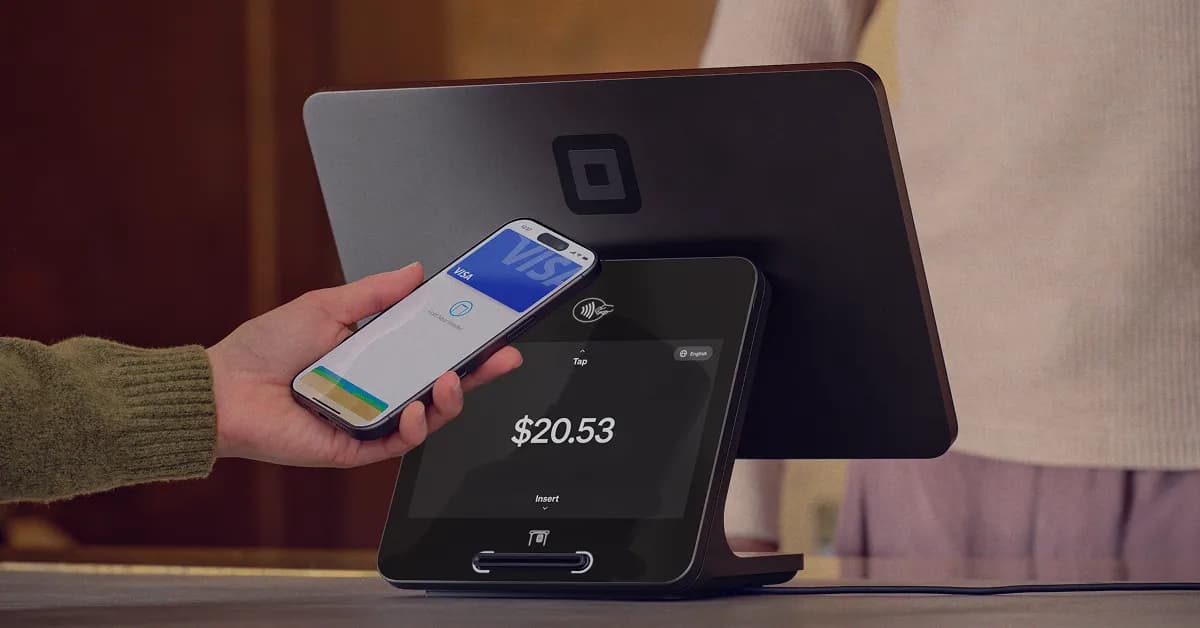
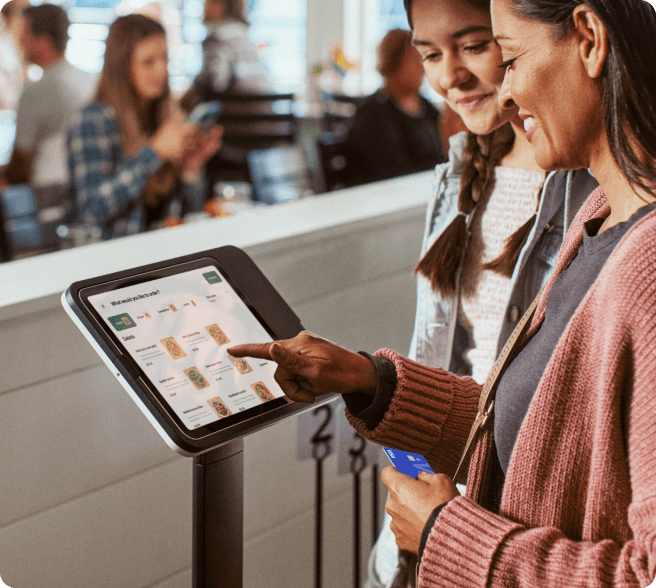
Guest tapping a phone on the Square Register customer screen while the merchant display sits behind it

Often strongest for

  • Busy retail counters
  • QSR & cafés
  • Boutiques
  • Front desks
  • Multi-lane checkout
  • Two screens so guests confirm, tip, and pay without passing a card over the counter
  • Contactless, chip, and magstripe (with Square Reader for magstripe where needed)
  • Wi-Fi or Ethernet for a fixed, always-on station
  • Runs Square Point of Sale, including restaurant, retail, services, and beauty modes

Built for how you actually sell

Square sets the product. Omega maps it to your floor, volume, and whether Clover or another system is still the better fit.

Customer-facing display for tips and tap

The guest screen is built for confirm, tip, and contactless. Staff stay on the merchant screen.

Fixed lane that stays on

Wi-Fi or Ethernet for a station that should not depend on a phone battery at 6 p.m.

Runs the full Square POS modes

Restaurant, retail, services, and beauty modes on the same Register when your plan includes them.

Apple Pay tap on Square Register customer display showing a $20.53 total

Checkout

Tap, insert, and tip without rotating a tablet

Register is for shops where the counter is the bottleneck. Dual screens cut the wait-while-I-spin-the-iPad shuffle. Omega confirms you actually need two dedicated screens before you skip Terminal.
  • Contactless and chip on the customer display
  • Magstripe via Square Reader for magstripe if you still need swipe
  • Guest-facing tip and receipt flow
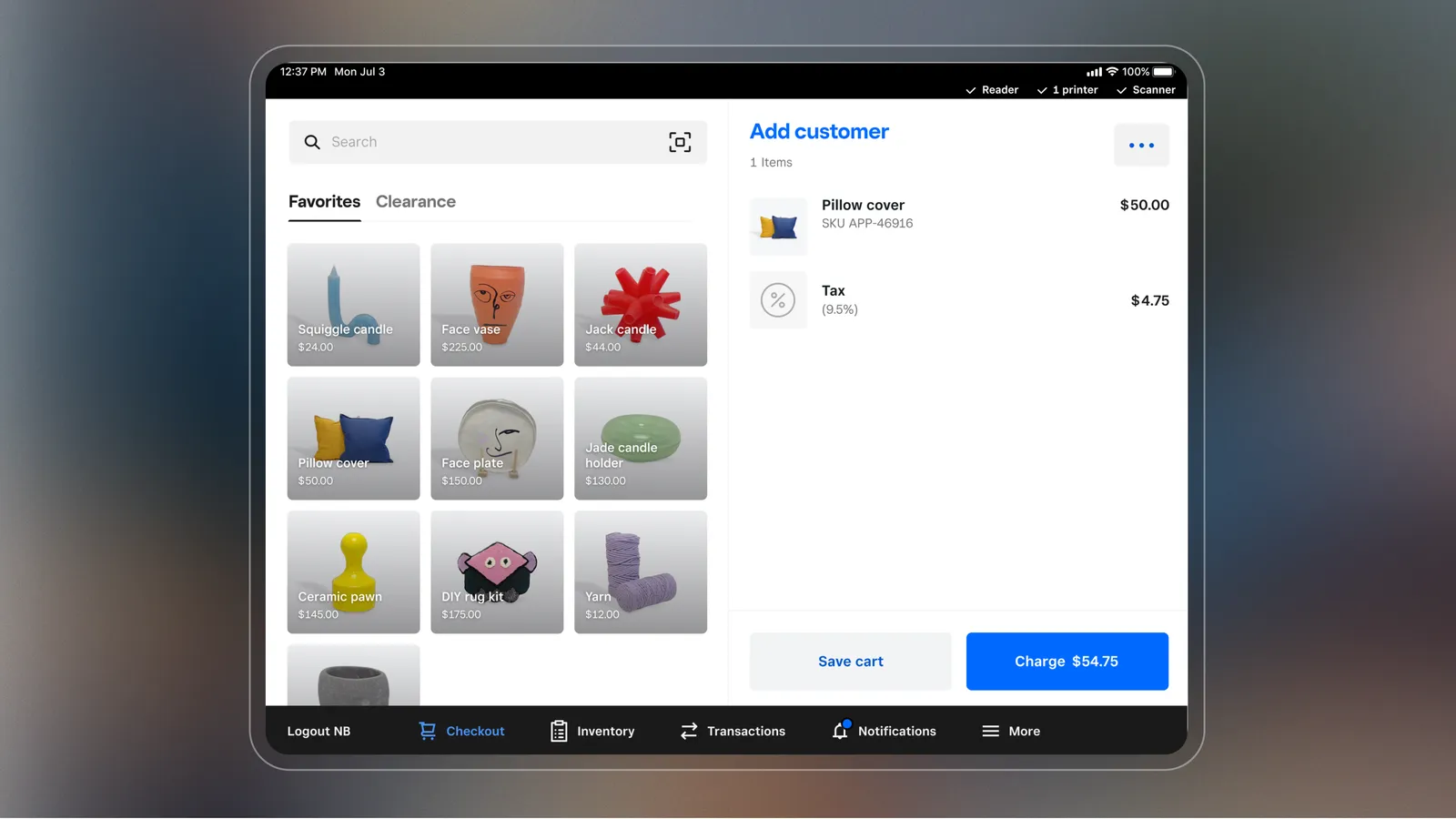
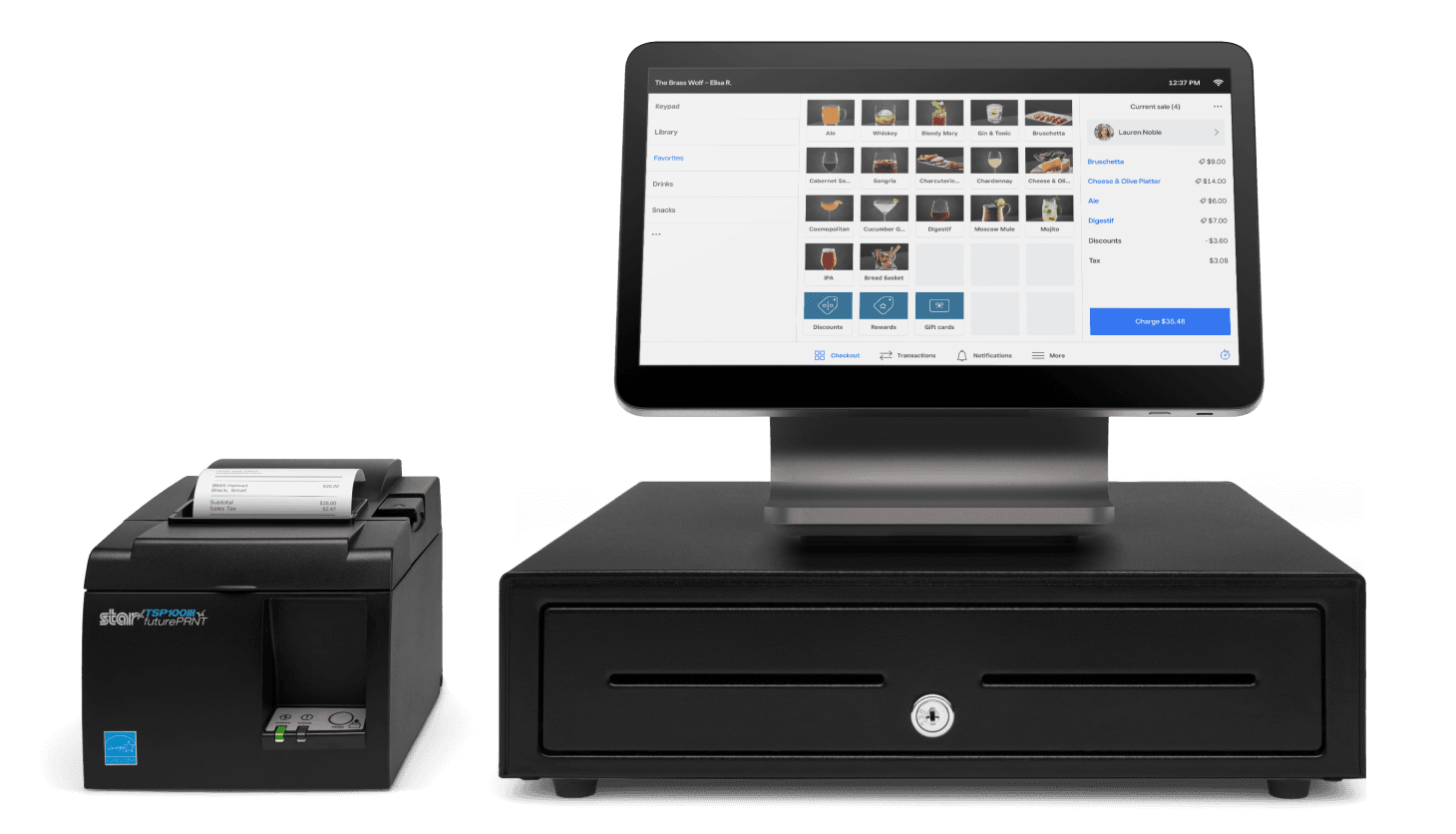
Square Register with cash drawer and receipt printer showing an itemized sale

Accessories

Drawer, printer, and a station that looks finished

Most counters need a cash drawer and a receipt plan. We map those accessories with the Register so unboxing is not a weekend of missing dongles.

  • Cash drawer and printer as a planned kit
  • Ethernet when Wi-Fi is unreliable
  • Second lane with Terminal or Handheld if the line wraps
Studio shot of Square Register dual-screen POS

Partner

Hardware price is Square’s. The mix is ours.

Square sets Register pricing and software plans. Omega’s job is honest comparison with Clover Station and other counters we already place, then onboarding if Register is the fit.

  • No assumed no-cost placement
  • Clover remains available
  • Local support after go-live

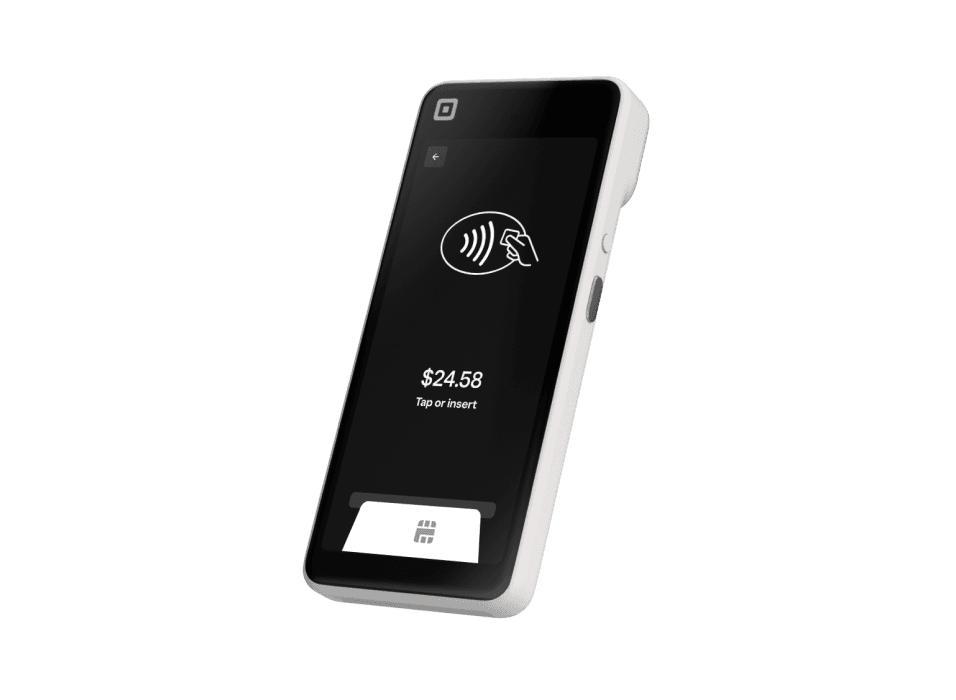
Official Square product shots so you can picture the hardware, software, and how it sits on a real counter.
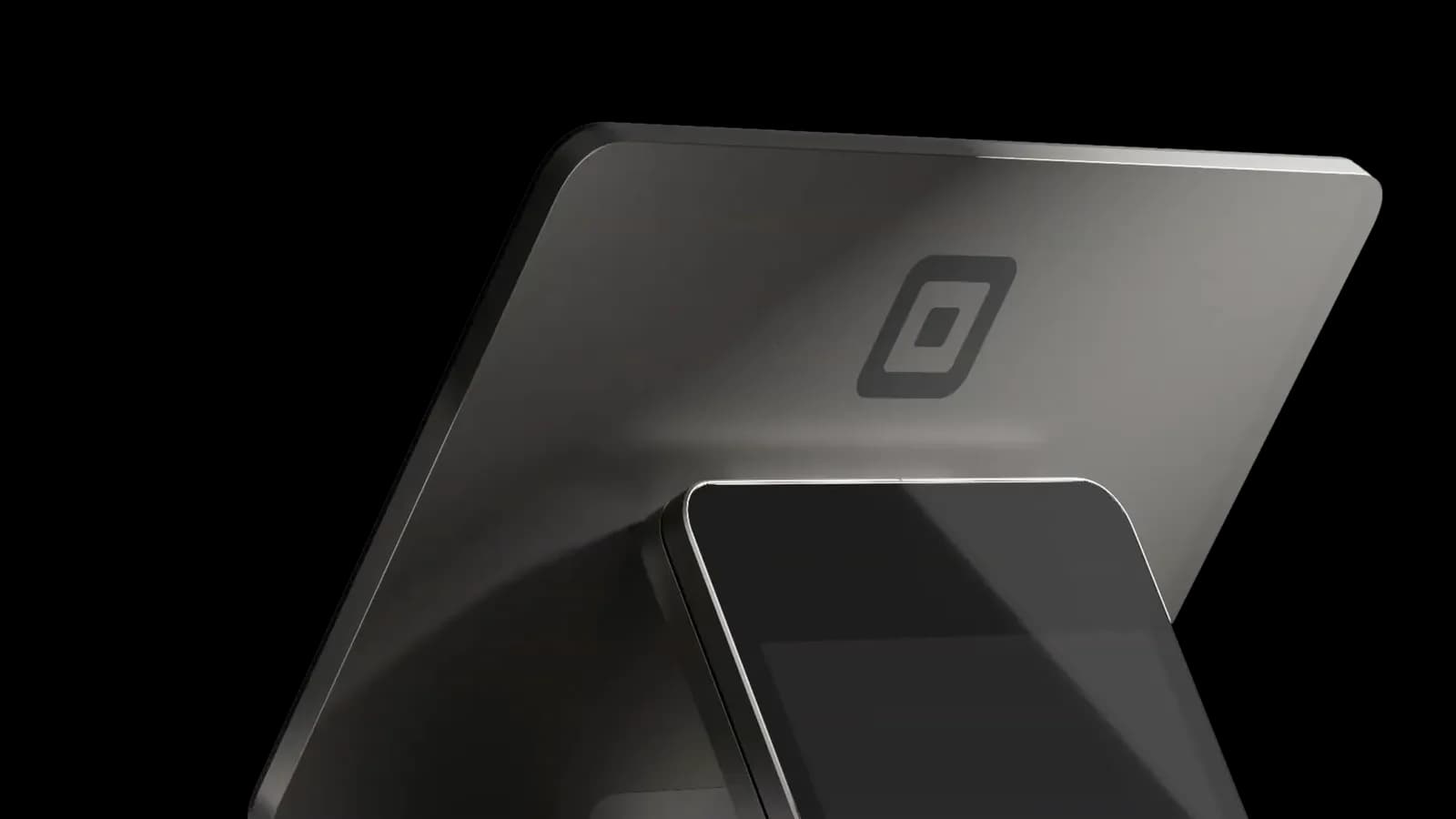
Square Register studio product shot
Dual-screen Register
Customer tapping a phone on Register
Guest tap and tip
Register with cash drawer and printer
Finished counter kit
Square Register official product hero
Official Square Register art

Product details

Key facts from Square, summarized for owners comparing systems. Hardware prices, software plans, and processing rates are set by Square. See Square Free, Plus, and Premium. Omega walks the full spec and accessory plan with you.

Role
Primary dual-screen counter POS (Square Register, 2nd generation).
Displays
Merchant screen plus a customer-facing display for totals, tips, and payment.
Payments
Contactless and chip. Magstripe with Square Reader for magstripe where needed. Apple Pay, Google Pay, and similar wallets when configured.
Connectivity
Wi-Fi or Ethernet for a fixed station.
Software
Square Point of Sale, including restaurant, retail, services, and beauty modes on supported plans.
Pairs with
Handheld, Terminal, Kiosk, kitchen display, Square Online, and Invoices on the same seller account.
Pricing
Hardware and software plans are set by Square. Omega helps you evaluate current options for your volume.

What you get with Omega

A partner who still picks up the phone. We help you choose Square, Clover, or another system we already offer, then stay through onboarding.

  • Two screens so guests confirm, tip, and pay without passing a card over the counter
  • Contactless, chip, and magstripe (with Square Reader for magstripe where needed)
  • Wi-Fi or Ethernet for a fixed, always-on station
  • Runs Square Point of Sale, including restaurant, retail, services, and beauty modes
  • Pairs with Square Handheld, Terminal, Kiosk, and kitchen display in the same account

Who Register is for

Register is the Square all-in-one for merchants who live at a fixed counter. Dual screens cut the “wait while I rotate the iPad” shuffle. If you already know you need a customer-facing display for tips, receipts, and loyalty, start here instead of bolting accessories onto a smaller device.

How Omega helps you deploy it

We map counter space, receipt flow, cash drawer needs, and whether you also need a Handheld for line-busting or a Kiosk for self-order. You are not buying a box from a website and hoping the unboxing video matches your floor. Hardware options and Square software plans depend on your volume and industry. We walk that through before you commit.

Square through Omega

Get started

Fields marked with * are required. We typically follow up within one business day.

Your details
Business
Pricing path
Choose a pricing path

Prefer to talk? (866) 663-4204

Frequently asked questions

Is Square Register included with processing?
Square publishes its own hardware pricing and software plans. Through Omega’s Square partnership, we help you choose the right device, confirm what is included, and complete onboarding. Ask us about current hardware options for your volume. Do not assume a website list price is your final program.
Can Register work with other Square devices?
Yes. Register is designed as a primary station that can share items, tickets, and reporting with Square Handheld, Terminal, Kiosk, and kitchen display on the same Square account.
Is this Square device included with processing?
Square publishes its own hardware pricing and software plans. Through Omega’s Square partnership, we help you choose the right device, confirm what is included, and complete onboarding. Do not assume Clover no-cost placement applies to Square.
Can Omega still offer Clover instead?
Yes. Square is an addition, not a replacement. If Clover, Union, a vertical POS, or a simple terminal is the better fit, we will say so and quote that path.

Square, Square Register, Square Terminal, Square Handheld, Square Stand, Square Reader, Square Kiosk, and related marks are trademarks of Block, Inc. Omega Bank Card Services is an independent Square partner and is not Block, Inc. Hardware availability, software subscriptions, and processing rates are set by Square and may vary. Omega helps you evaluate fit, complete onboarding, and stay supported after go-live.