Digital tickets at the pass
Built around Square’s restaurant stack, not a generic Android tablet farm.
POS Systems / Square / Square Kitchen Display
Square hardware
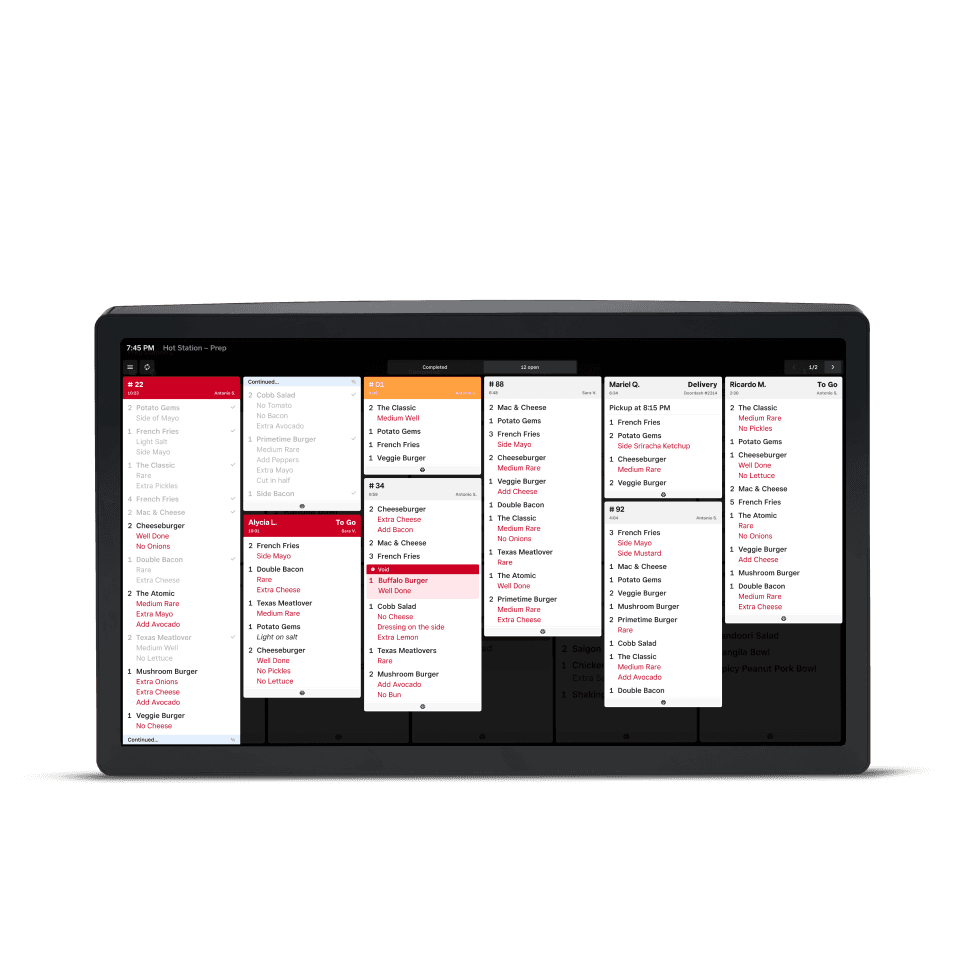
If the printer is the loudest thing in your kitchen, a KDS is usually the upgrade that actually changes ticket times. Square’s kitchen display pulls from Square POS, online ordering, and supported channels so the line sees one queue. Omega helps you place screens, bump flow, and whether you still need a backup printer.
Line
One queue, not three printers
Modifiers stay on the ticket the server just sent.
Workflow
A KDS fails if cooks will not look
We set bump rules from how you plate, not from a demo video.
Sequence
Front of house first
If FOH is still a dumb terminal, fix that before the kitchen waits on a half-installed POS.
Square Kitchen Display System puts live tickets in front of the line so expo is not hunting paper, and modifiers do not get lost in a pile.
Square Kitchen Display puts live tickets in front of the line so expo is not hunting paper. It pulls from Square POS, online ordering, and supported channels. Omega places screens and bump flow, and decides whether you still need a backup printer.
Often strongest for
Square sets the product. Omega maps it to your floor, volume, and whether Clover or another system is still the better fit.
Built around Square’s restaurant stack, not a generic Android tablet farm.
Orders from Square POS, online, and supported delivery channels can share a queue.
Many kitchens keep one printer. We will not rip every printer on day one if the crew is not ready.
Kitchen
If the printer is the loudest thing in the kitchen, a display is usually the upgrade that changes ticket times. Omega walks the line with you.

FOH
KDS pays off when the front of house is already on Square for Restaurants. We sequence the project so the kitchen is not waiting.
Compare
We are a Square partner, not a Square-only shop. If Clover’s kitchen tools or another stack is the better fit, we will say so.
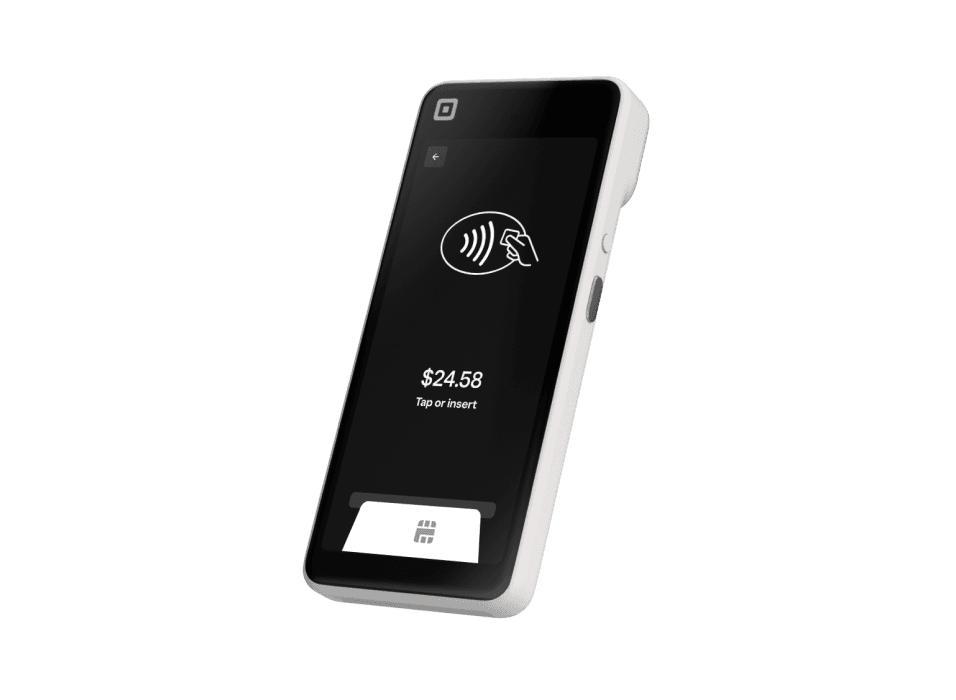
Official Square product shots so you can picture the hardware, software, and how it sits on a real counter.
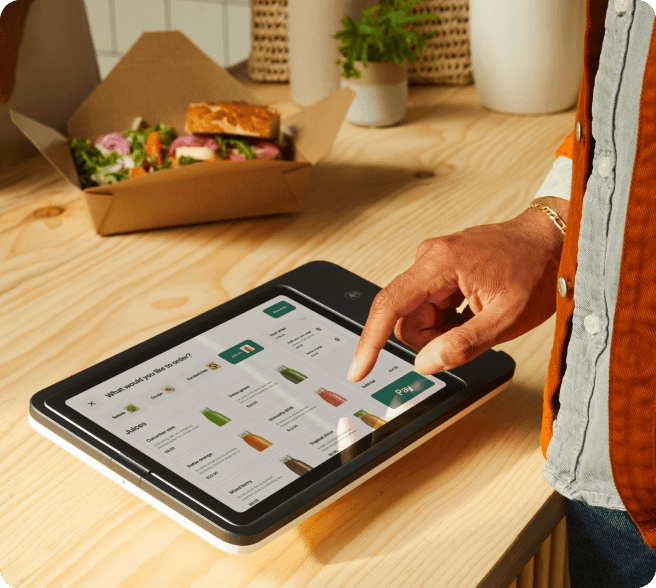
Key facts from Square, summarized for owners comparing systems. Hardware prices, software plans, and processing rates are set by Square. See Square Free, Plus, and Premium. Omega walks the full spec and accessory plan with you.
A partner who still picks up the phone. We help you choose Square, Clover, or another system we already offer, then stay through onboarding.
A kitchen display fails if cooks will not look at it or if tickets still print in three places. We walk the line with you (or on a live call) and set bump rules that match how you actually plate, not how a demo video plates.
KDS pays off when Handheld, Kiosk, or Register are sending clean tickets. If the front of house is still on a dumb terminal, fix that first. Omega sequences the project so the kitchen is not waiting on a half-installed POS.
Hardware
Pocketable POS with a built-in scanner for tableside and line-busting.
Hardware
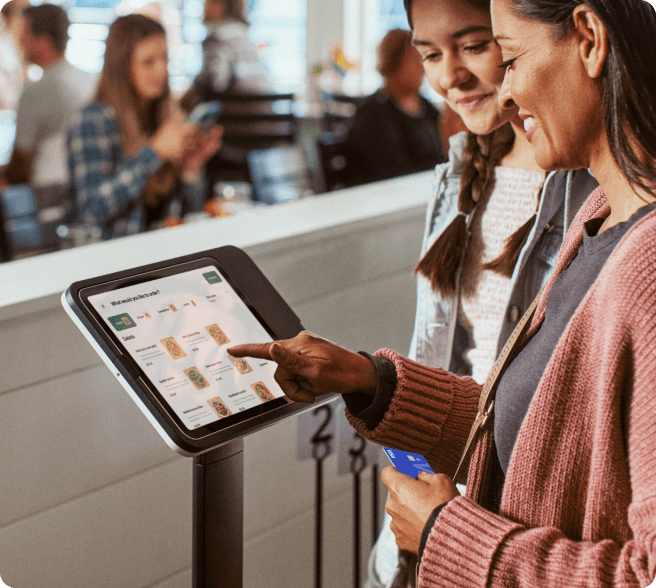
Self-service iPad kiosk to shorten lines and free up the counter.
Hardware
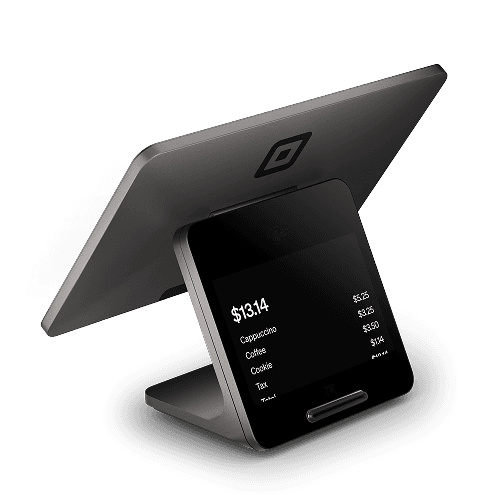
Dual-screen counter POS built for busy retail and restaurant lines.
Hardware
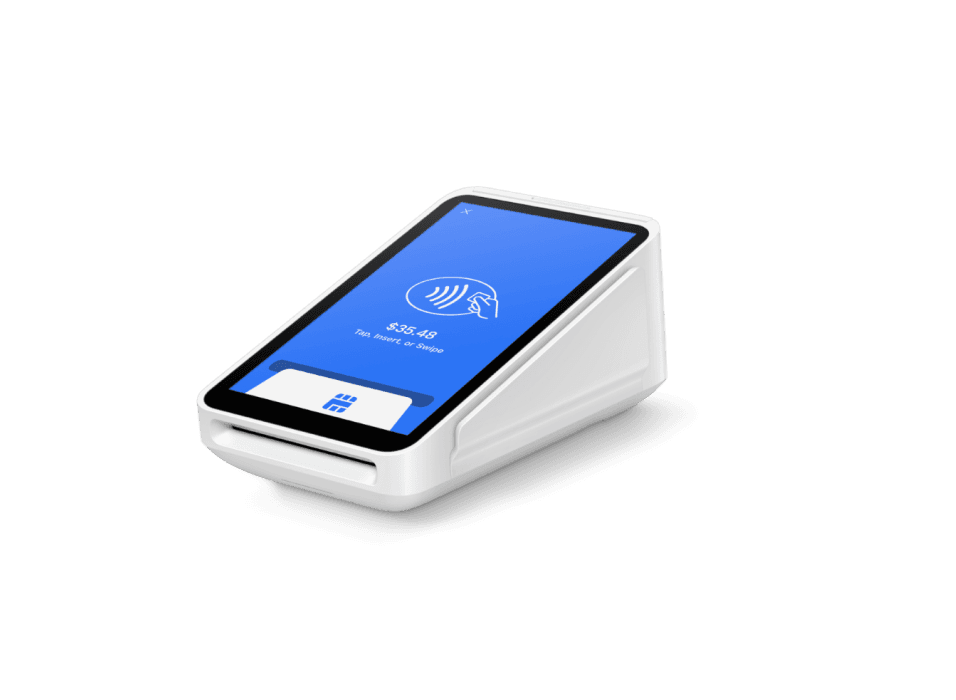
All-in-one card machine with a built-in receipt printer.
Square, Square Register, Square Terminal, Square Handheld, Square Stand, Square Reader, Square Kiosk, and related marks are trademarks of Block, Inc. Omega Bank Card Services is an independent Square partner and is not Block, Inc. Hardware availability, software subscriptions, and processing rates are set by Square and may vary. Omega helps you evaluate fit, complete onboarding, and stay supported after go-live.